Windows XP Windows 7 Windows 2003 Windows Vista Windows 綜合教學 Linux 系統教學
Windows 10 Windows 8 Windows 2008 Windows NT Windows Server 電腦軟體教學

Win7 登入 163 信箱出現 0xc06d007e 錯誤的修復方法

編輯:Windows 7 系統介紹

此錯誤通常由系統 DLL 檔案註冊異常引起,透過批次重新註冊 system32 目錄下所有 DLL 可解決。

修復指令

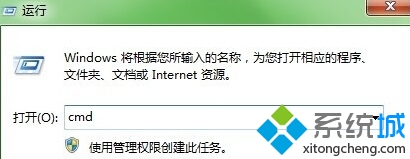
1. 按 Win + R 輸入 cmd 開啟命令提示字元。
命令提示字元

2. 輸入以下指令並按 Enter:
for %1 in (%windir%\system32\*.dll) do regsvr32.exe /s %1

3. 等待系統完成所有 DLL 重新註冊(過程可能需數分鐘),完成後重新開機。

若問題持續,建議重新安裝 Windows Media Player 10 或 11 任一版本。
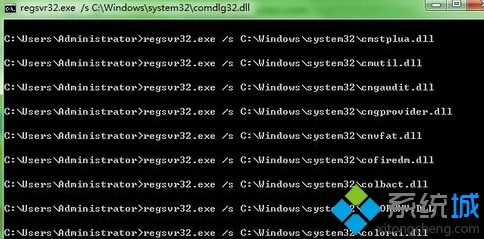

執行註冊指令

Copyright © Windows教程網 All Rights Reserved