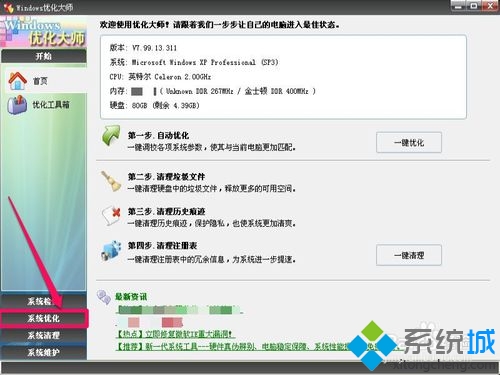
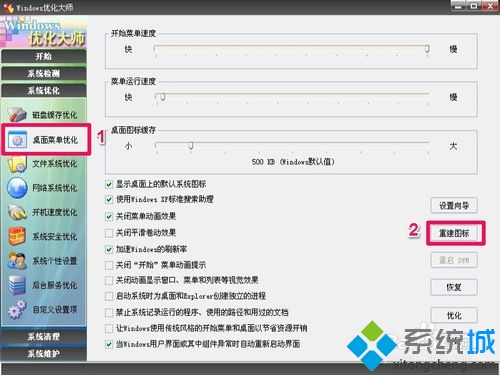
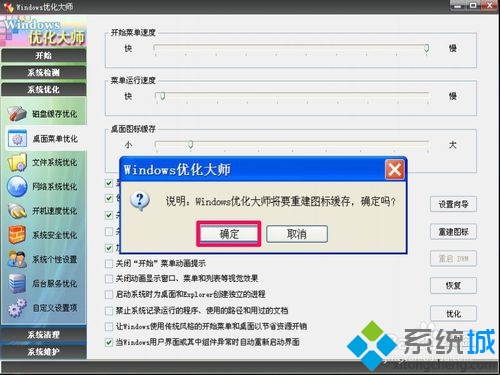
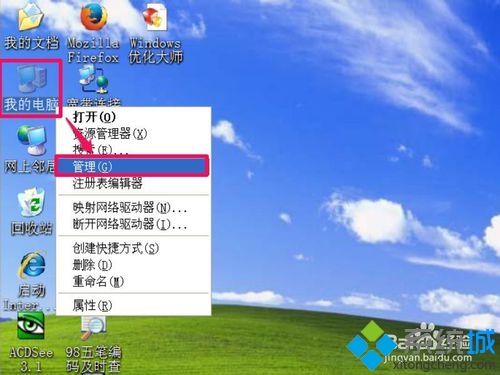
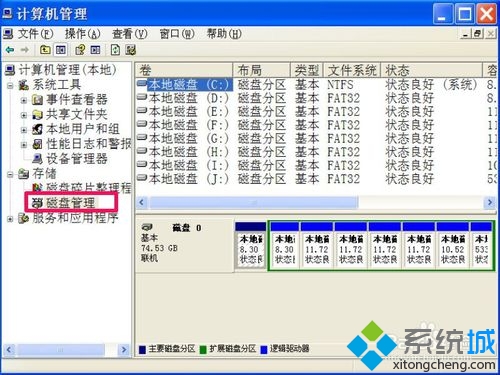
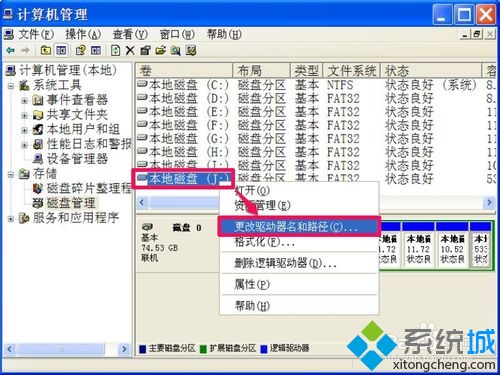
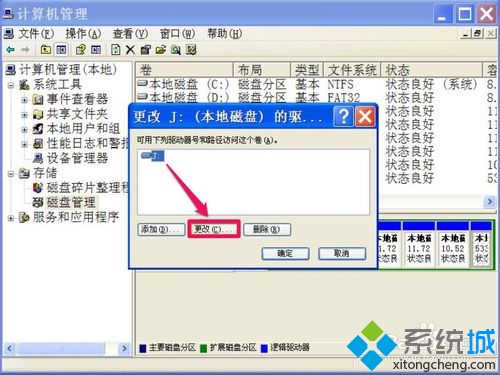
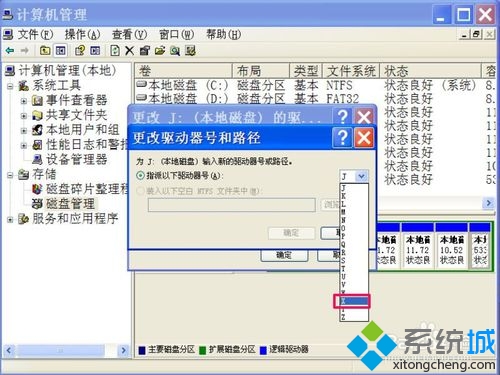
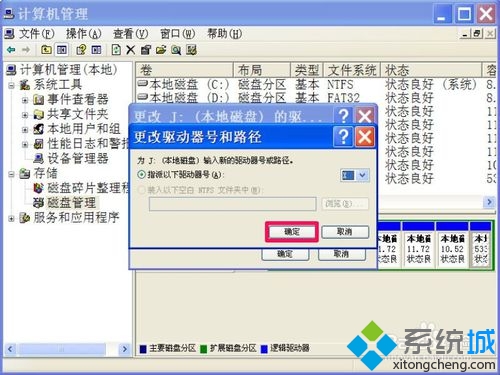
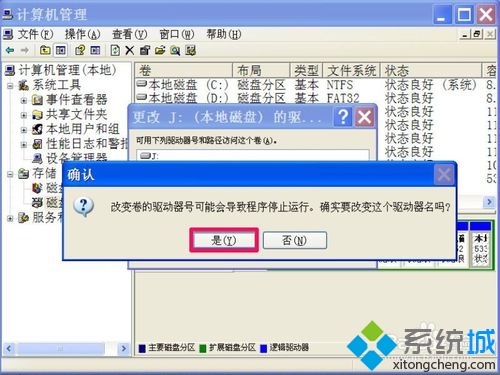
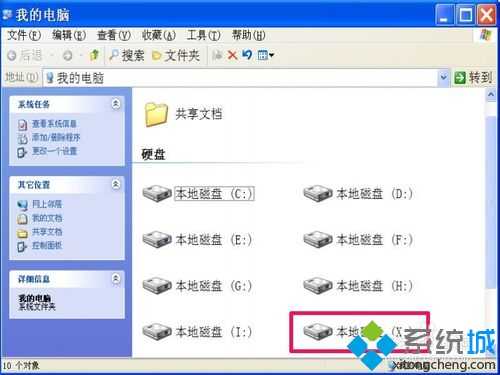
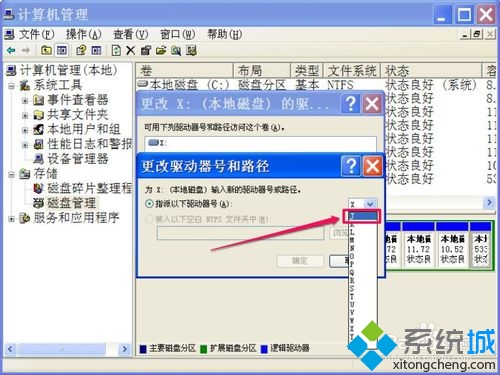
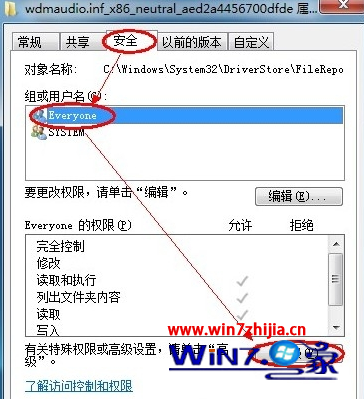
本機磁碟圖示誤變為 USB 圖示,兩種修復方法:
兩種方法任選一即可修復圖示異常。
Windows 7 媒體中心:照片修飾、音樂評分與網路電視整合
如何調整 Windows 7 回收站大小,避免大檔案直接永久刪除
Windows 7 不支援混合 SLI/CrossFire:需重啟切換體驗差,但強化多獨顯並行與 DX11/WDDM 1.1
限制 Windows 7 僅能存取指定網頁:Hosts 檔與 DNS 導向雙重封鎖
Win7 內建截圖工具完全指南:任意形狀、即時塗鴉、一鍵釘選任務列
Win7 禁止視窗拖曳至頂端自動最大化(登錄法),保留鍵盤分割畫面功能
Windows 7 如何新增桌面小工具?右鍵桌面選「小工具」,相容 Vista 所有 Sidebar Gadget
Win7 啟用 BitLocker 磁碟機加密保護資料安全:完整圖文教學