Windows XP Windows 7 Windows 2003 Windows Vista Windows 綜合教學 Linux 系統教學
Windows 10 Windows 8 Windows 2008 Windows NT Windows Server 電腦軟體教學

Windows 7 旗艦版開機藍畫面 0xc0000005 解決方法

編輯:Windows 7 系統介紹

安全模式移除 KB2859537 更新修復藍畫面

此錯誤碼常因特定 Windows 更新 (KB2859537) 導致。

操作步驟

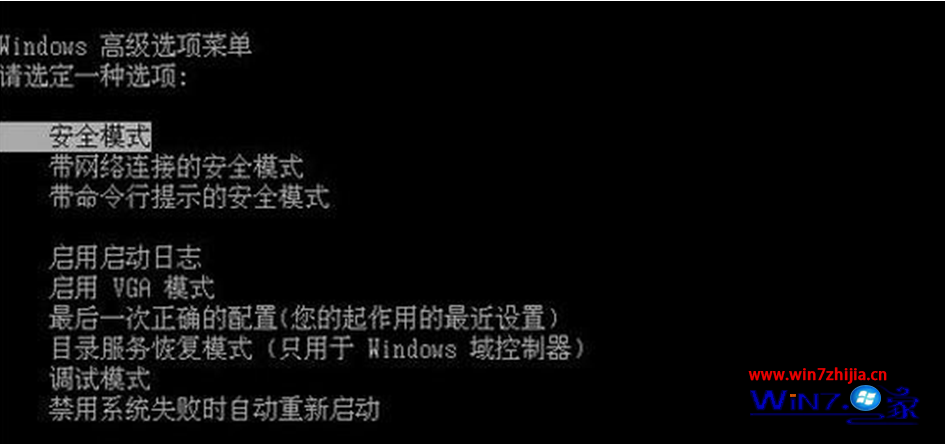
  1. 強制關機 (按住電源鍵 10 秒) → 開機連按 F8 進入「進階開機選項」。
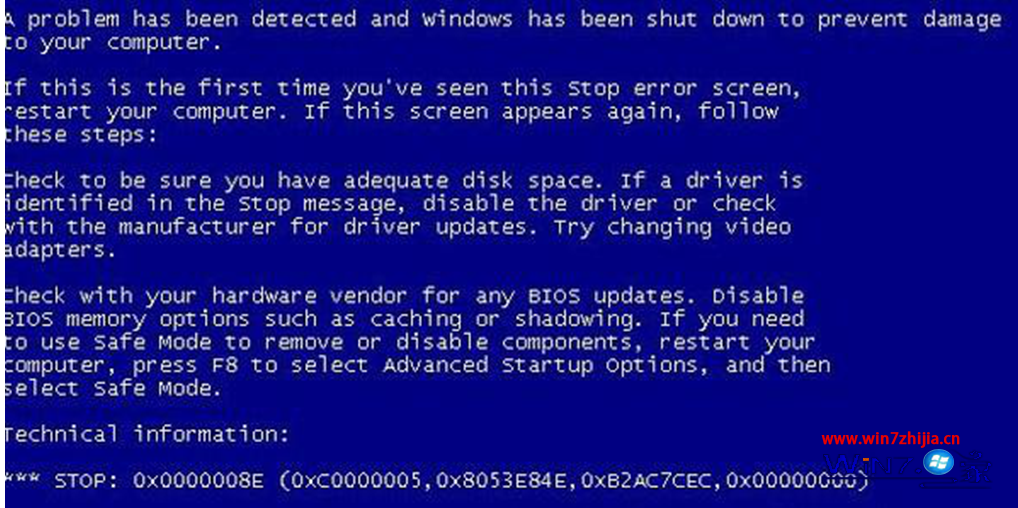
  2. 藍畫面錯誤
  3. 選「安全模式」→ 選擇作業系統 → 以「系統管理員」登入。
  4. 安全模式選單
  5. 「開始」→「控制台」→「新增/移除程式」→ 勾選「顯示更新」。
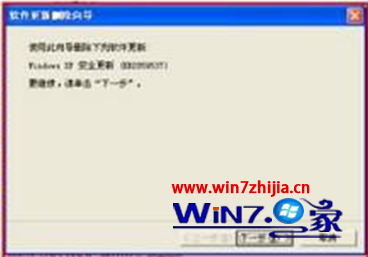
  6. 找到並解除安裝 KB2859537。
  7. 解除安裝更新
  8. 依精靈完成移除,電腦自動重開機,藍畫面問題解決。

此更新為 2013 年釋出的安全性更新,在特定硬體環境下會觸發 0xc0000005 錯誤,移除即可恢復正常。

Copyright © Windows教程網 All Rights Reserved