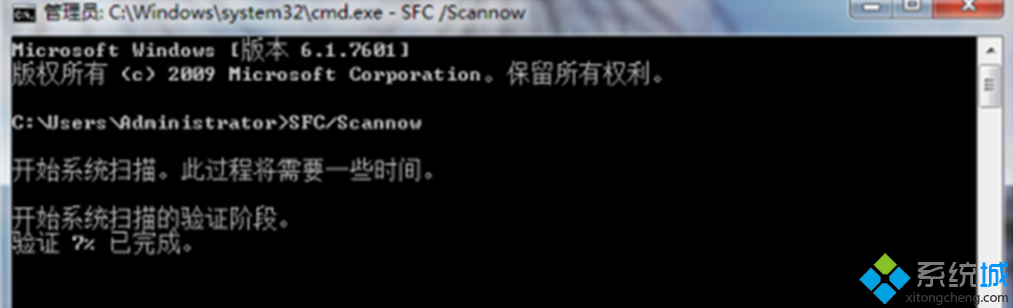
誤刪工作管理員執行檔,可透過內建 SFC 掃描修復。
cmd
sfc /scannow
C:\Windows\System32\dllcache
System32
SFC 是修復系統核心檔案最安全、有效的內建工具。
Win7 總是顯示「軟體應用程式無法相容」解決方法
Win7 IIS 6 新增與修改應用程式集區完整操作指南
Win7 一鍵強制關閉所有無回應程式:建立桌面捷徑 taskkill /F /FI "STATUS eq NOT RESPONDING"
openSUSE 11.2 正式版釋出:KDE 4、Firefox、Thunderbird 3 Beta 4、zypper、MySQL 5.1
Win7 深度挖掘:上帝模式 等 17 個隱藏快捷模式 CLSID 完整清單與建立方法
Win7 關閉 IPv6 協定提升網路速度:網路介面卡屬性取消勾選
Windows 7 字型安裝捷徑模式:節省磁碟空間的進階技巧
Win7 旗艦版禁止複製資料夾?無法僅禁用複製,可拒絕讀取權限