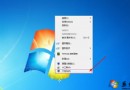
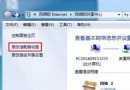
Windows 預設時間伺服器 time.windows.com 有時不穩定,改用 pool.ntp.org 可獲得更精準、穩定的自動校時(每週自動同步一次)。
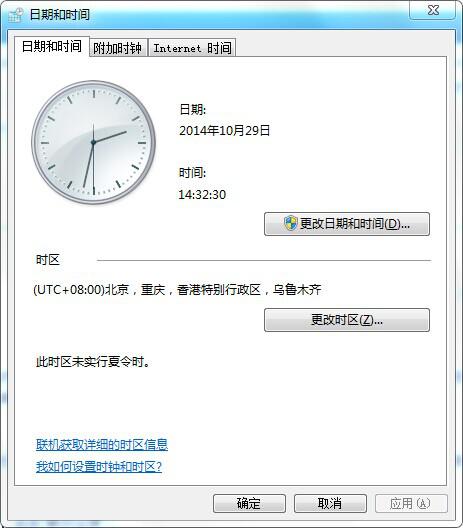
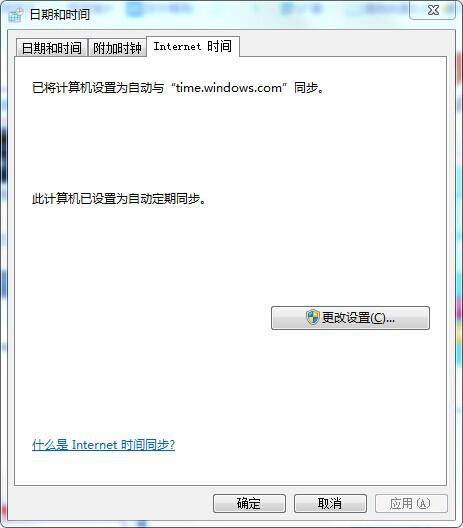
pool.ntp.org,勾選「自動同步處理」,按「立即更新」→「確定」。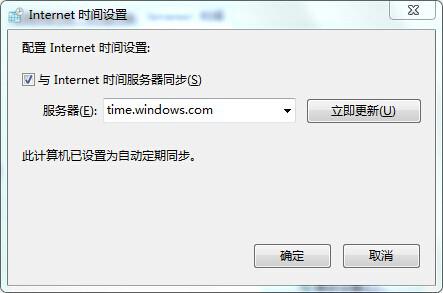
更新成功後會顯示「上次同步處理成功時間」,系統時間將保持高精準度。
Windows 7 電腦如何測試音效卡有無聲音?喇叭設定與測試完整步驟
Win7 解決 QQ 訊息彈出導致影音音量驟降:關閉通訊活動自動降音
加速 Windows 7 執行速度 12 招:卸載軟體、限制啟動項、增記憶體、關索引、重組、高效能、清理、查毒、疑難排解、關小工具、純色桌布、關 Aero
Win7 旗艦版無法使用傳真與掃描功能的解決辦法:重新啟用 Windows 功能
Word 統一文件格式技巧:善用「尋找與取代」僅修改正文保留標題樣式
Windows 7 桌面找不到 IE 圖示?註冊表一鍵還原真正的 IE 圖示