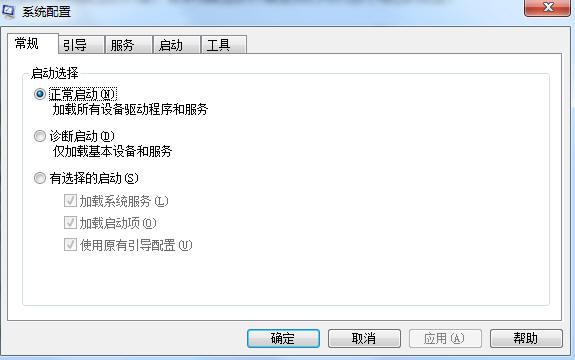
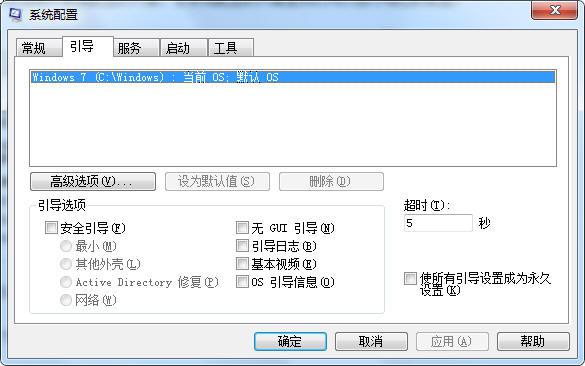
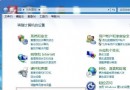
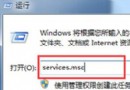
若電腦重啟後持續進入安全模式,需在系統設定中取消安全開機選項。
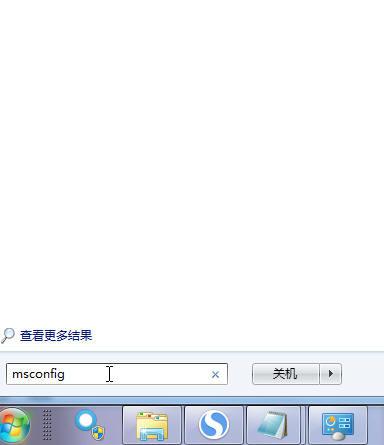
msconfig
此問題常發生於手動進入安全模式修復後,忘記取消安全開機選項所致。
使用 U 盤輕鬆安裝 Windows 7 完整圖文教學
Win7 搭建 IIS 網頁伺服器完整教學:從啟用功能到防火牆設定、局域網存取
電腦安全防護十一大常識 強化 Windows 7 網路免疫力
Win7 旗艦版「區域連線」消失?檢查停用狀態與網卡驅動
Windows 7 更換登入畫面背景:註冊表建立 OEM 背景目錄、或用優化大師一鍵替換
Windows 7 睡眠/休眠/混合睡眠/離開模式全解析:場景化選擇指南
Windows 7 進階優化技巧大全:10 項隱藏功能讓系統更順手
Win7 命令提示字元被停用?群組原則啟用「阻止存取命令提示字元」設定