Windows 7 使用支付寶/數位憑證需完成四項設定:
- IE8 進階設定:取消勾選「啟用記憶體保護以緩解線上攻擊」(解決無法輸入密碼關鍵)。
- IE8 安全性:取消勾選「啟用受保護模式」。
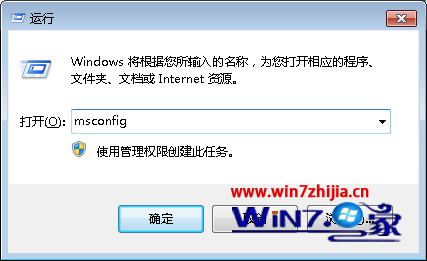
- UAC 設定:控制台 → 使用者帳戶 → 開啟或關閉 UAC → 滑桿拉至最底「從不通知」。
- 重新登入/重開機後登入支付寶安裝憑證。
常見錯誤與解決
- 錯誤 800A138F:Microsoft Certificate Enrollment CAB 被封鎖。解決:安裝 Yahoo! 助手 → 附加元件管理解除封鎖 → 移除 Yahoo! 助手;或修改登錄。
- 錯誤 80070057:
xenroll.dll 未註冊。解決:下載版本 5.131.3686.0 的 xenroll.dll 放入 C:\Windows\System32,管理員命令提示字元執行 regsvr32 xenroll.dll。
注意:建議透過登錄解除 CAB 封鎖而非安裝 Yahoo! 助手;xenroll.dll 版本必須為 5.131.3686.0,其他版本不適用 Windows 7。