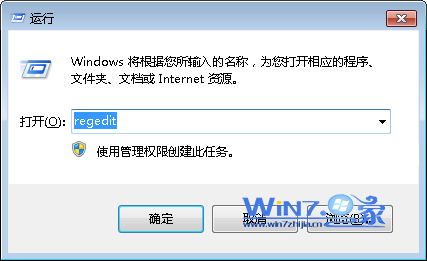
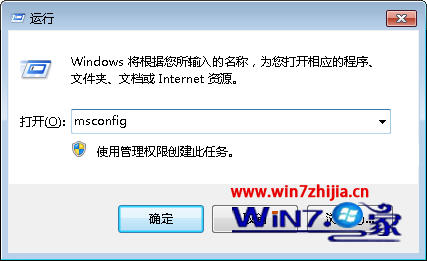
厭倦軟體安裝時偷偷修改 IE 首頁?用群組原則鎖死,連賽博 QQ 這類強制改首頁的軟體也無能為力。
gpedit.msc
此設定僅影響目前使用者;若需全機生效,請在「電腦設定」下同樣操作。
Win7 取得最高權限 TrustedInstaller 實操:檔案擁有權變更與完全控制授權
Win7 麥克風無聲完整排查與設定教學
Windows 7 資源管理器導覽窗格缺少「桌面」選項?三種方法恢復顯示
Win7 更換登入畫面背景圖片:註冊表啟用 OEMBackground + 指定資料夾放圖片,256KB 內 JPG 完美適配
Win7 解除安裝已安裝更新補丁:控制台程式和功能檢視已安裝更新
10 個超實用 Windows 7 優化技巧:磁碟重組並行、IE 增效、智慧視窗關閉、時區指令
測試你的電腦能否運行 Windows 7:官方升級顧問 Beta 版完整評測流程
Win7 總管左側「桌面」捷徑不見了?拖曳 %USERPROFILE%\Desktop 回收藏夾即可恢復