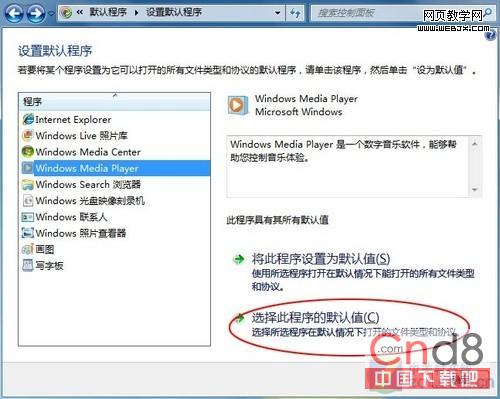
重灌後逐個關聯檔案類型太繁瑣,Win 7 「預設程式」批量搞定:
一次搞定數十種副檔名關聯,免逐個右鍵「開啟方式」。
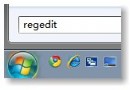
任務管理器打不開?映像劫持病毒特徵與登錄表清除法
Windows 7 系統安全防護 7 大核心策略:從防毒到備份的完整防線
Win7 工作列右鍵選單隱藏功能:按住 Shift 右鍵喚回傳統「移動/最大化/最小化/關閉」選單
Win7 雙擊 USB 隨身碟提示「需格式化」 五大成因與非格式化救援方案
讓 Windows 7 登入畫面文字支援陰影效果:註冊表按鍵組態
Win7 手動啟用內建 Administrator 管理員帳戶圖文教程
Win7 禁止遠端修改登錄檔:增強系統安全性
Win7設定開機自動撥號連寬帶?建立批次檔放入啟動資料夾實現免手動撥號