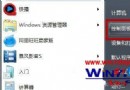
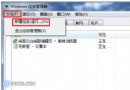
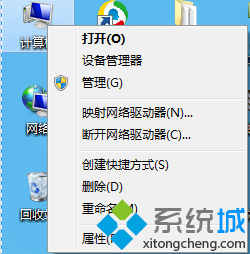
關閉防火牆等同移除網路第一道防線,僅建議在純離線環境、特定除錯場景暫時關閉;平時請保持啟用並善用「允許的應用程式」例外清單管理存取。
MiniBin:工作列通知區迷你回收站工具,單鍵開啟/清空/還原
Windows 7 進入 RC 階段 正式版有望夏末提前發布
巧用組策略為 Windows 7 瘦身:精簡功能、去除煩人提示、提升運行效率
Win7 免費升級啟用 Win10 正式版三大管道:正版、預覽版、預約工具
Windows 7 螢幕保護程式設定在哪?控制台「個人化」裡找得到
Win7 旗艦版 IE 瀏覽器無法開啟網站?兩大原因:病毒劫持或網站故障,附解決方案
Win7 資料夾加密設定密碼:推薦隱身俠、超級加密等第三方工具
Win7 系統下最佳虛擬光驅軟體推薦:UltraISO 與 Virtual CloneDrive