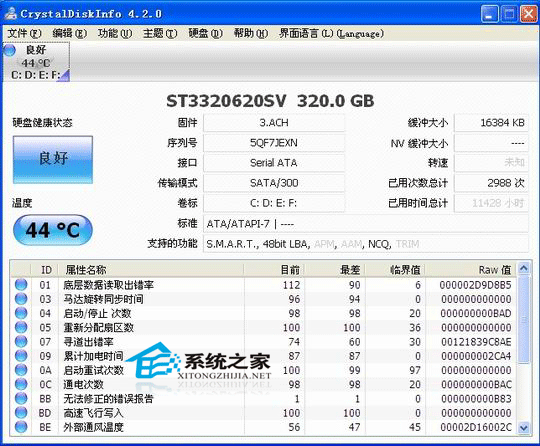
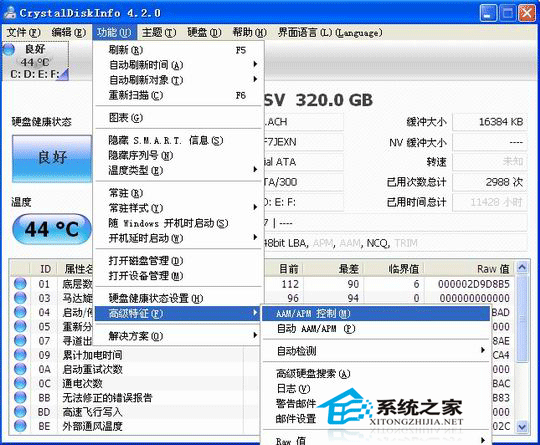
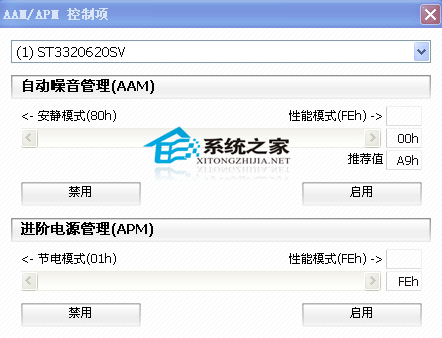
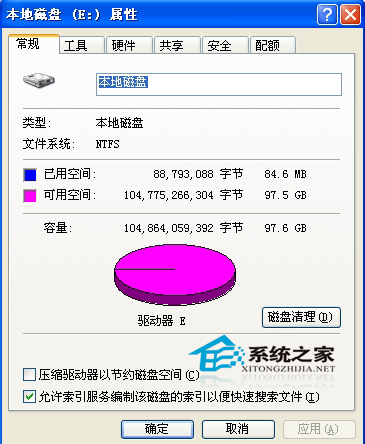
硬碟異音兩主因:機械老化/故障、資料錯誤導致磁頭反覆讀取。建議流程:
嚴禁硬碟運作時強制斷電,會造成嚴重實體損壞。
Windows 7 RC 真身現形:完整安裝、配置與新功能深度體驗(含中文語言包)
Windows 7 替換預設宋體字型:透過登錄檔指向新字型檔完整教學
Acer Aspire One D250:雙系統體驗,Win 7 與 Android 的完美融合
徹底刪除頑固資料夾:「找不到項目」終極解決方案
Win7 修復淘寶登入元件 aliedit.dll 損壞:註冊/反註冊/重啟三步驟
Win7 IE10 無法解除安裝?註冊表修復、安全模式、手動清理三大招
修改 Windows 7 工作列資源管理器預設開啟位置:從「程式庫」改為「電腦」
Win7 網頁上傳按鈕顯示紅叉?IE 信任網站與自訂安全性設定