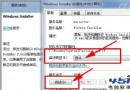
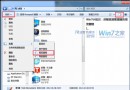
系統檔案檢查器(SFC)是 Windows 內建修復工具,可掃描並修復受損的受保護系統檔案。本文示範 sfc /verifyonly 僅掃描不修復,與 sfc /scannow 掃描並自動修復的完整流程。
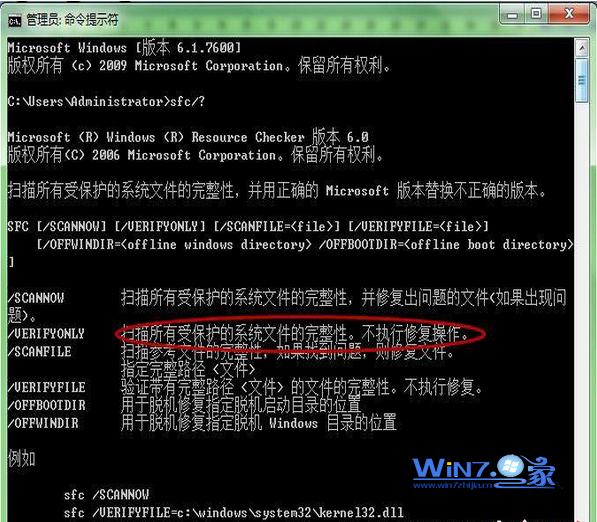
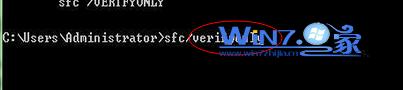
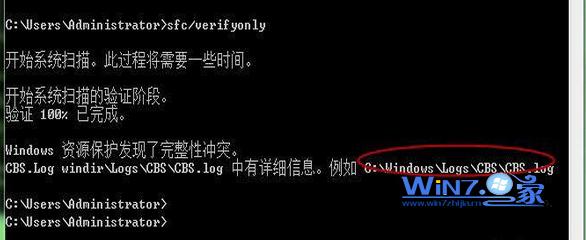
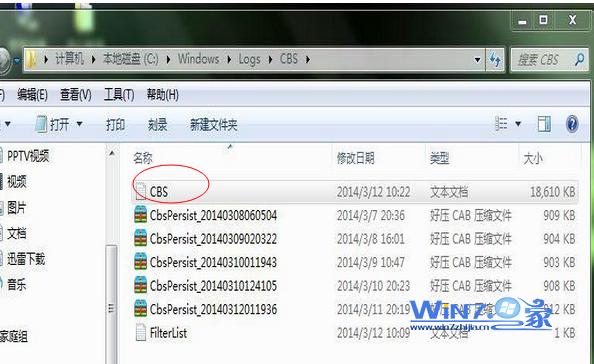
sfc /? 查看所有參數說明。sfc /verifyonly 掃描完整性,不自動修復。等待掃描完成,若發現衝突會顯示錯誤報告路徑(通常在 C:\Windows\Logs\CBS\CBS.log)。sfc /scannow 掃描並自動修復受損檔案,過程較久請耐心等待。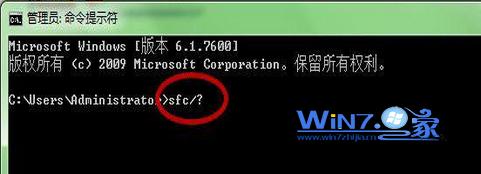
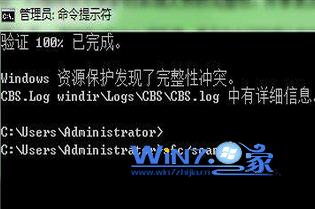
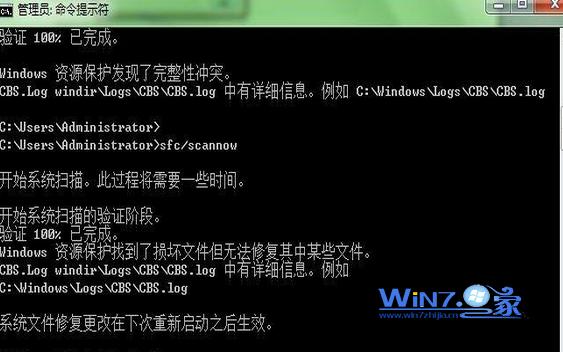
sfc /scannow /offbootdir=X:\ /offwindir=X:\Windows(X 為系統盤代號)。Win7 系統優化八大技巧:開機、關機、視窗、字體、工作列全面加速
Windows 7 旗艦版關閉 Aero Shake 搖晃最小化功能,釋放系統資源
Win7 32 位元無法連接 XP 共用印表機 「拒絕存取」 手動建立 Local Port 解決法
Win7 程式捷徑鍵自訂:右鍵屬性→捷徑鍵欄位直接按鍵盤組合(如 Ctrl+Alt+A)→ 一鍵啟動,解放滑鼠
巧妙設定讓 Windows 7 任務列回歸經典「不合併」顯示模式
從 Windows XP 升級至 Windows 7:10 大關鍵準備事項完整清單