Windows XP Windows 7 Windows 2003 Windows Vista Windows 綜合教學 Linux 系統教學
Windows 10 Windows 8 Windows 2008 Windows NT Windows Server 電腦軟體教學

Win7 使用 CMD diskpart 建立 VHD 虛擬硬碟檔案完整教學

編輯:Windows 7 系統介紹

Win7 內建 diskpart 指令支援建立、掛載、管理 VHD 虛擬硬碟,無需第三方工具即可創建可開機或資料儲存用虛擬硬碟。

建立與掛載 VHD 指令流程

  1. 開始功能表搜尋 diskpart,右鍵「以系統管理員身分執行」進入 DISKPART 介面。
  2. 建立固定大小 VHD(30GB,儲存於 D 槽):
    create vdisk file="d:\win7.vhd" maximum=30000 type=fixed
    maximum 單位為 MB,type=fixed 表固定大小(效能較佳),type=expandable 表動態擴展(節省空間)。
  3. 選取並掛載 VHD:
    select vdisk file="d:\win7.vhd"
    attach vdisk
  4. 掛載完成後,開啟「磁碟管理」(diskmgmt.msc) 對新磁碟進行分區、格式化、指派磁碟機代號即可使用。
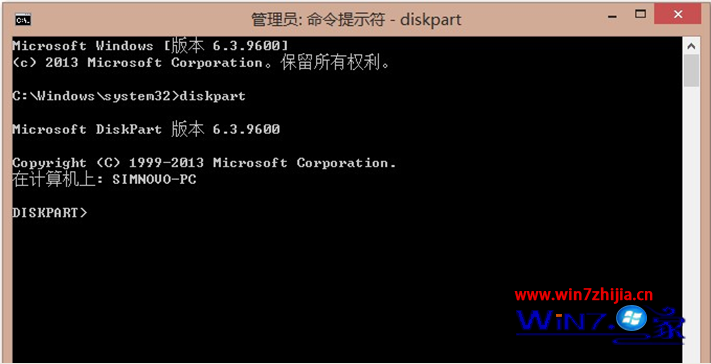
diskpart 建立 VHD

DISKPART 介面

應用場景:多系統測試、備份整個系統分區、建立加密資料容器、虛擬機器磁碟轉換等。VHD 檔案可直接掛載於另一台 Win7/8/10 電腦存取資料,極具攜帶性。

Copyright © Windows教程網 All Rights Reserved