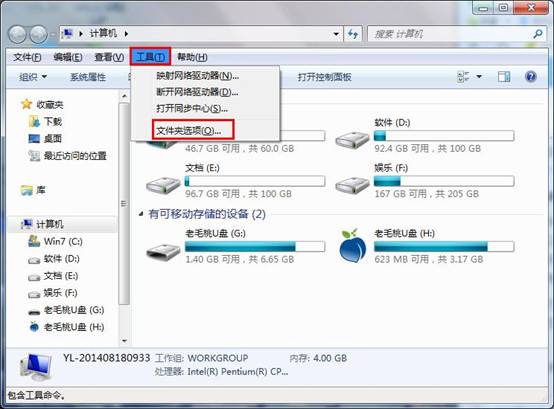
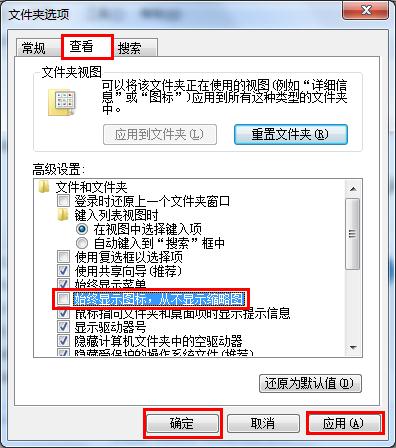
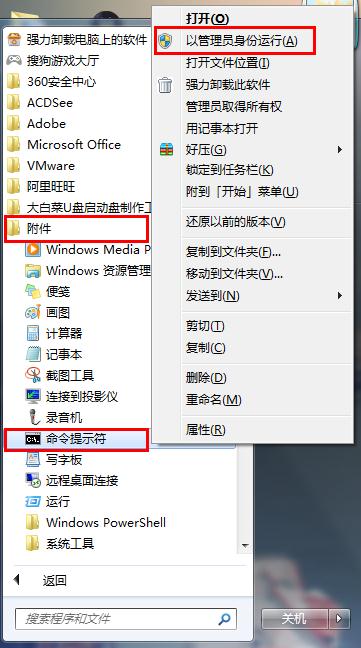
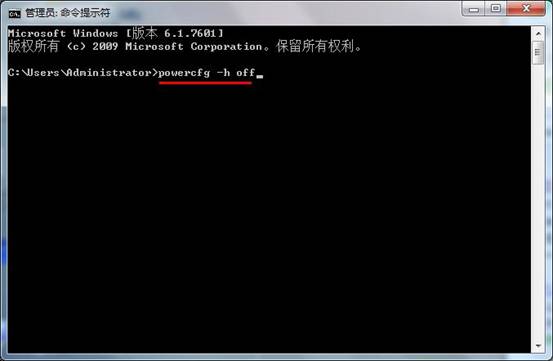
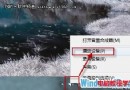
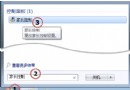
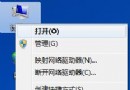
隨著使用時間增長,Win7 系統會產生大量縮圖快取檔與休眠檔,佔用可觀磁碟空間。透過關閉縮圖顯示與休眠功能,可有效釋放空間。
powercfg -h off
效果:關閉縮圖可減少 Thumbs.db 檔案產生;關閉休眠可釋放等同實體記憶體大小的磁碟空間(如 8GB 記憶體釋放 8GB 空間)。
Win7 桌面背景沒有「置中/平鋪/填滿」選項?一招找回顯示模式
Win7 網路印表機無法列印完整排查:四大故障類型、服務協定啟用、Guest 帳戶、防火牆、XP 主機相容全方案
Windows 7 將其他主題音效套用至目前主題教學
Windows 7 開啟 Aero 透明特效硬體需求:CPU、記憶體、顯卡與體驗指數 3.0 門檻
在 Windows 7 為隨身碟建立加密分區:免費綠色工具「迅軟 U 密」隱藏加密區不怕格式化遺失
Win7 螢幕解析度調整教學:NVIDIA 控制台 + 系統設定雙管道
Windows 7 進不去系統、F8 無效?BCD 引導修復命令拯救開機
Win7 筆記本一鍵建立虛擬路由器 (非 Ad-Hoc) 簡易指令版