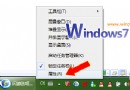
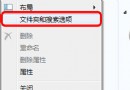
想知道系統背景跑了什麼程式?內建 msinfo32 一指令全看清。
msinfo32 回車。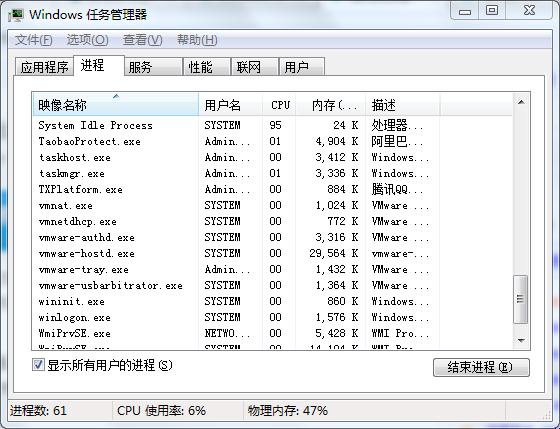
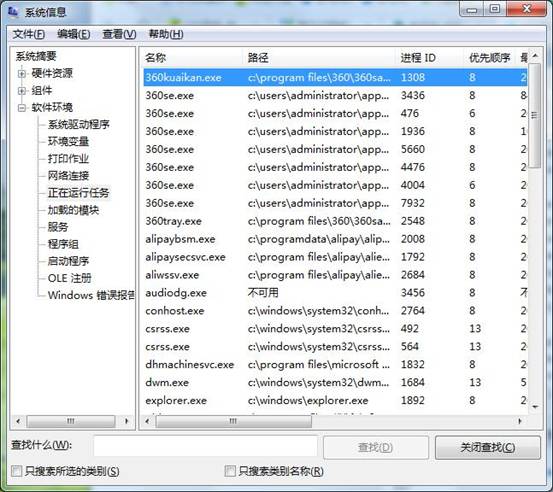
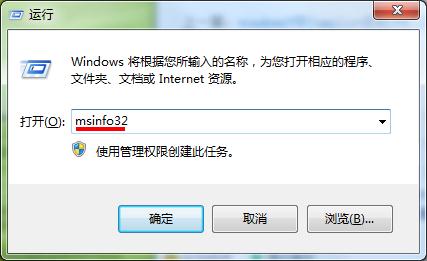
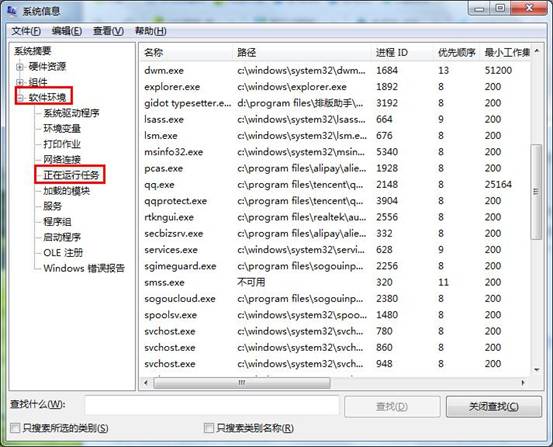
無需第三方工具,一條指令掌握完整程序清單,排查異常程序極便利。
Windows 7 升級版序列號啟用報錯 0XC004F061:因序列號僅供升級非全新安裝,登錄表修正法
Windows 7 加速九大絕招:硬體門檻、啟動項精簡、關機加速、視覺效果、字體瘦身、任務列預覽、Aero 關閉、服務優化
Win7 旗艦版解鎖工作管理器:群組原則「移除工作管理器」設為未設定
Win7 修改檔案關聯與開啟方式:控制台「預設程式」介面取代 XP 時代「資料夾選項」
Windows 7 設定允許或拒絕網路存取本機:群組原則管理 Guest 帳號權限
微軟 11 月補丁可能導致 XP/Vista/Win 7 黑屏無桌面