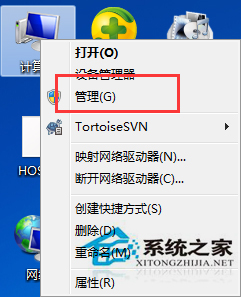
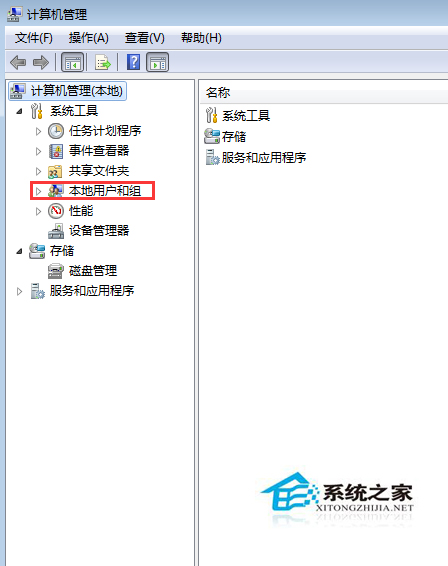
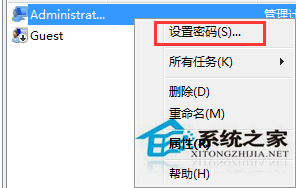
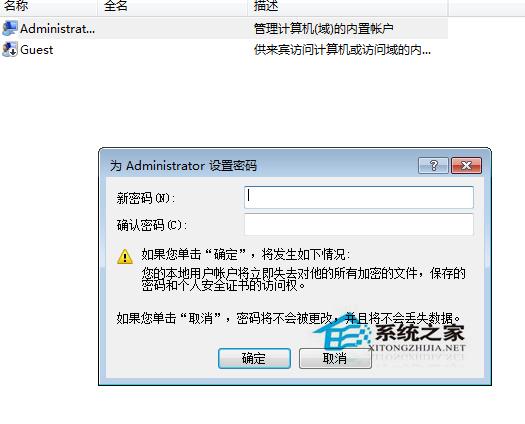
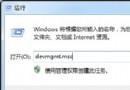
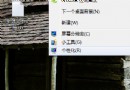
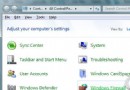
需管理員權限才能修改其他帳戶密碼,透過「電腦管理」介面操作最直觀。
僅限真實需求操作,切勿濫用修改他人密碼。
停用 Win7 自動調優:一鍵批次檔關閉 TCP 自動調優與 RSS
Win7 設定登入畫面自訂文字訊息:本地安全性原則 secpol.msc 設定標題與內文
Windows 7 開機卡在 LOGO 畫面五大排除方案
Windows 7 解除安裝已安裝的更新:控制台程式與功能中操作
Win7 下迅雷下載速度慢?破解 TCP/IP 連線數限制 + 關閉不需網路協定優化網卡負載
Win7 刪除不明帳戶:資料夾安全性索引標籤移除未知 SID
Win7 系統盤擴容實戰:分區助手專業版擴充 C 槽空間完整流程
Win7 清除工作列通知區域殘留圖示:taskkill 重啟 Explorer 與刪除登錄表快取