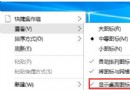
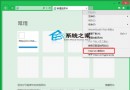
早期 Win10 正式版 Edge 不支持擴展,預覽版已開放側載安裝。操作流程:
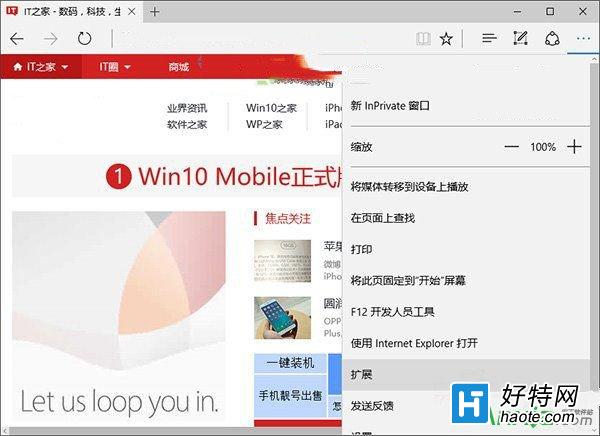
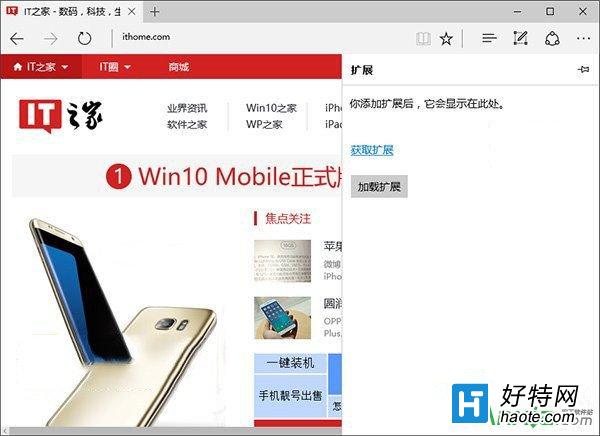
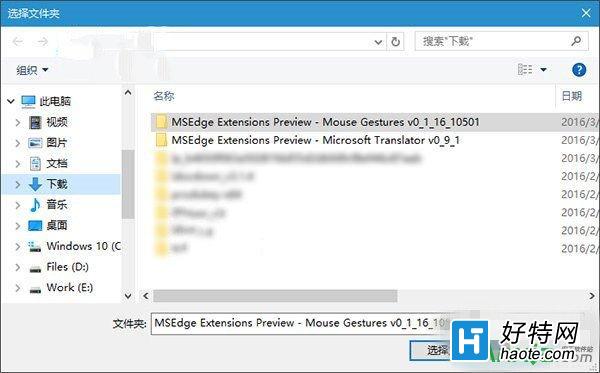
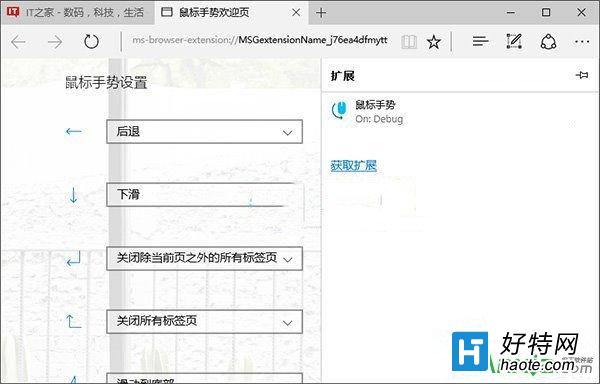
現狀說明:現代 Edge (Chromium 內核) 已全面支持 Chrome Web Store 與 Edge 加載項商店,無需側載。本教程僅供歷史版本參考。
Win10 查看版本號教學:dxdiag 指令開啟 DirectX 診斷工具查看作業系統版本資訊
Win10 使用命令列移除 Internet Explorer (IE9/10/11)
Win10 IP 位址衝突兩大解決方案:重啟路由器或手動設定靜態 IP 繞過 DHCP 衝突
Win10 切換輸入法改回 Win7 模式怎麼設定?登錄表修改 Preload/Substitutes 實現 Ctrl+Shift 切換
Win10 右下角提示「已停用 IME」是什麼意思?其實是正常節能功能
Win10 系統最全面優化設定:關閉家庭群組、移除預裝應用、停用優化磁碟排程、關閉系統保護、禁用 IPv6