Win10 下快速建置 C/C++ 開發環境,推薦輕量級 Dev-C++(基於 GCC 編譯器)。
下載安裝
- 下載 Dev-C++ 最新版原生安裝包。
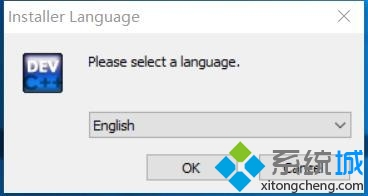
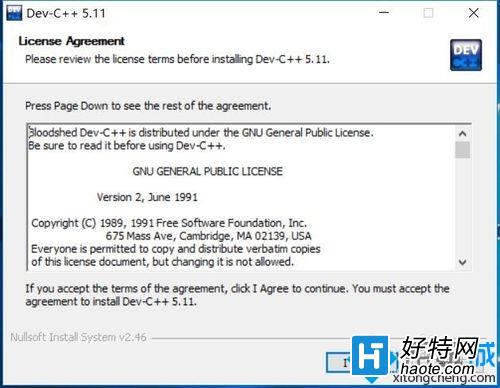
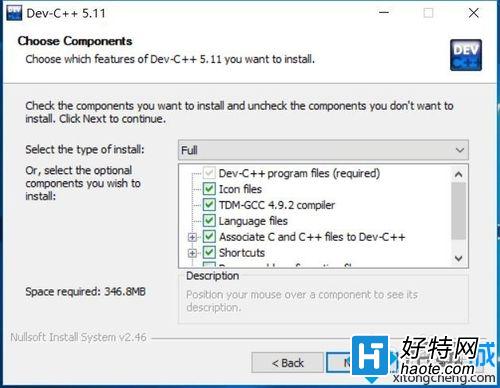
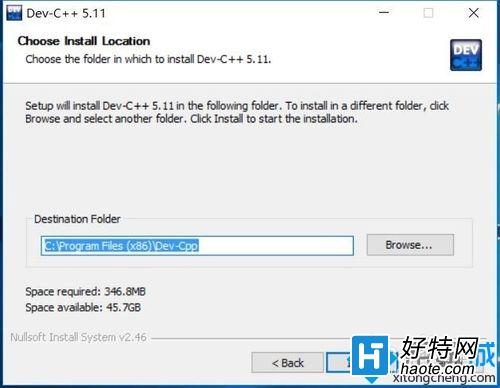
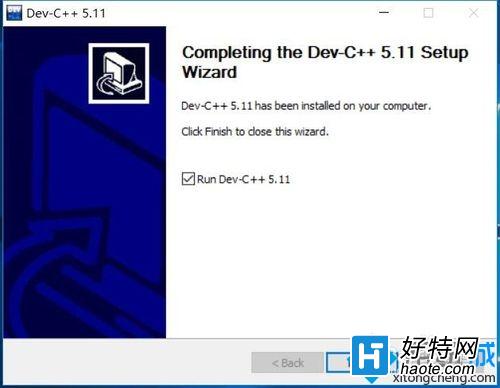
- 執行安裝:語言選 English → I Agree → 全部安裝 → 選擇路徑 → Install → Finish。
初始設定
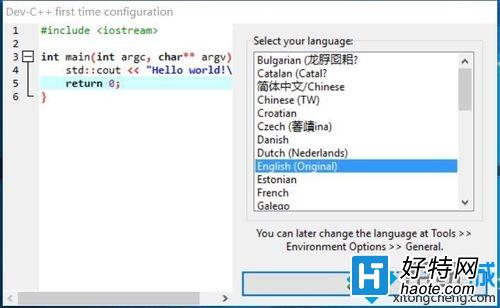
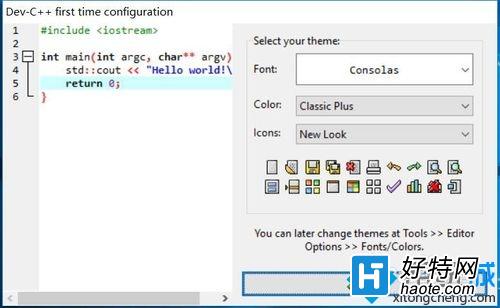
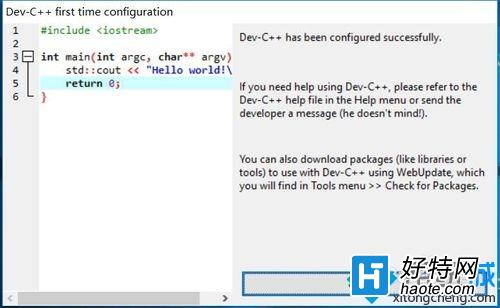
- 首次啟動:選擇介面語言(可改中文)、主題風格 → OK。
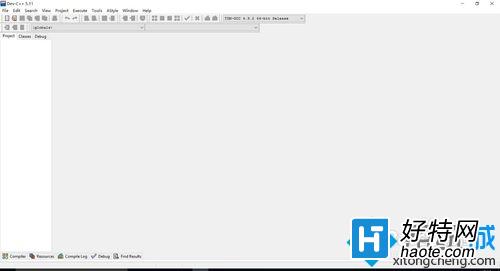
- Ctrl+N 新建檔案,輸入程式碼。
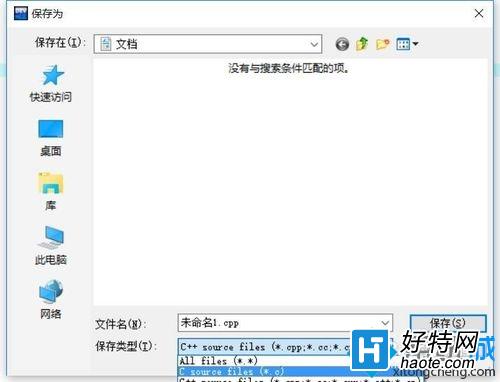
- F11 編譯並執行(預設存為 .cpp,建議另存為 .c 檔)。
Dev-C++ 適合入門教學與小型專案,大型專案建議改用 Visual Studio Code + GCC/Clang 或完整 Visual Studio。