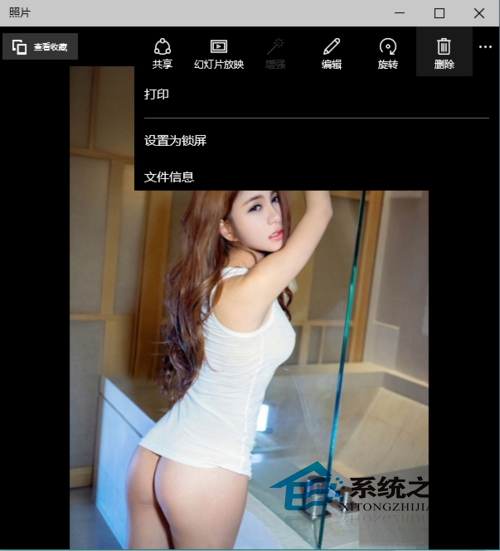
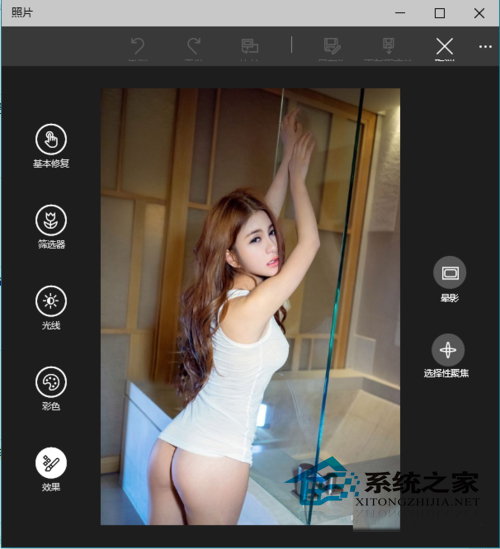
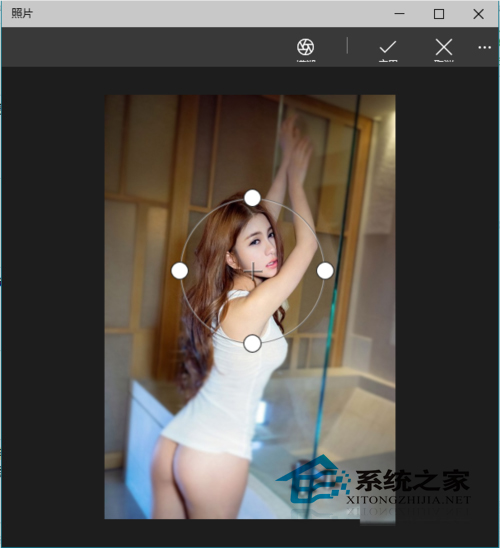
拍照焦距不準導致模糊?Windows 10 照片應用程式「選擇性焦點」可讓局部明亮突出。
調整焦點範圍與強度,打造專業景深效果。
Surface Pro 4 頂配版深度評測:i7/16G/1TB,生產力「戰鬥機」實力如何?
Win10 內建指令實現定時關機:shutdown -s -t 秒數,無需第三方軟體
Windows 10 磁碟清理刪除系統壓縮檔案釋放空間教學
Windows 10 釋放硬碟空間實用指南:清空回收站、刪除暫存檔、清理更新快取
Win10 IE 11 禁止網站要求存取實體位置 (地理位置) 設定教學
Windows 10 微軟拼音輸入法:切換繁體中文輸出完整指南
Win10 開啟 IE 提示「伺服器正在執行中」?停用 BITS 服務
Win10 開啟/關閉內建麥克風:隱私權設定中一鍵切換