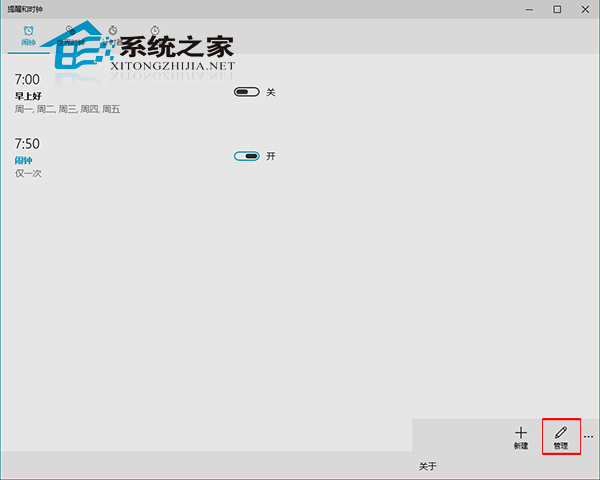
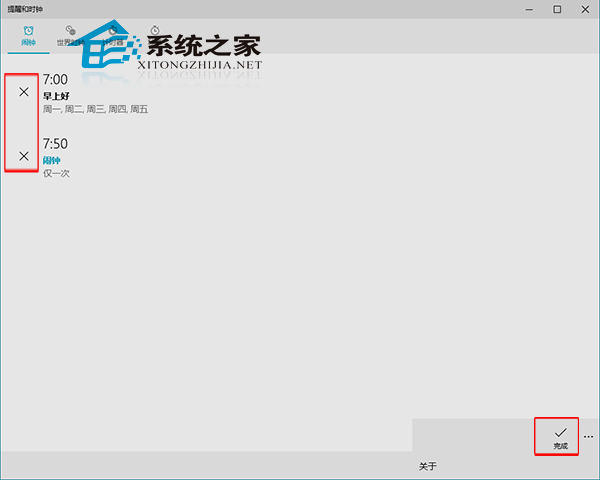
Windows 10 新版時鐘應用程式好評如潮,如何批次刪除多個鬧鐘?
注意:預覽版更新後鬧鐘應用程式更名為「提醒與時鐘」,功能更完善,建議體驗新版。
Win10 IE 瀏覽器禁止網頁自動播放聲音的設定方法
Windows 10 實用優化手冊:檔案管理、美化與效率技巧
Win10 無法安裝 KB3124200?清理 SoftwareDistribution 快取
Win10 Edge 瀏覽器安裝路徑在哪裡?
Win10 瀏覽器右下角彈窗廣告 (HyFamily) 關閉法:任務管理器結束進程、重啟後復發需重複操作
解決 Windows 10 預覽版 disksnapshot.exe 命令提示字元閃現問題
安裝/升級 Win 10 Build 9879 硬碟故障?多為邏輯錯誤 數據未損 八大修復方案
PC 市場連續下滑,微軟聯手 Intel、五大廠商推「PC 做得到」重塑形象