升級 TH2 後「應用程式與功能」、「儲存空間」甚至整個設定頁面點擊卡死,系統檔案損壞所致。
sfc /scannow 掃描修復。opencl.dll 無法修復,從正常 Win10 複製同版本 opencl.dll 覆蓋 C:\Windows\System32\ 下檔案,重啟即可。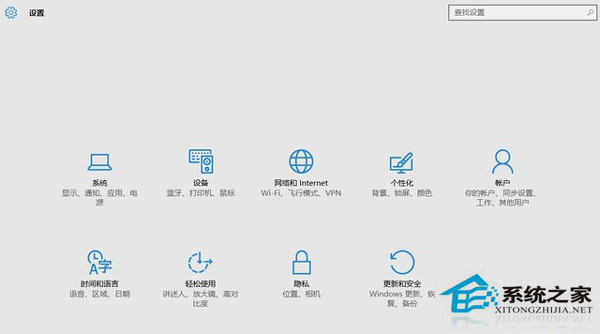
sfc 掃描 + 手動替換損壞 DLL 通常能解決設定頁面卡死。
Win10 查看網路資料使用量:設定→網路和網際網路→資料使用量,總覽與單一應用程式流量雙重掌握
Win10 系統異常頻繁藍屏怎麼辦?修復 Microsoft 帳號服務、DNS、網路連線綜合方案
Windows 10 Mobile 安裝 Android APK 應用教學:Project Astoria 兼容層實測
Windows 10 開始選單資料夾無法直接刪除?繞過限制刪除教學
Win10 升級失敗錯誤 80070003 解決:清除 SoftwareDistribution 快取重試
Win10 離線地圖下載與使用:設定→系統→離線地圖→下載地圖選擇國家/地區(含釣魚島屬中國),下載後可在開始選單或搜尋開啟「地圖」應用離線導航