Win10 桌面圖示位置錯亂、排列混亂,為 InProcServer32 登錄表鍵值異常。分別修正 32 位元與 64 位元系統對應路徑下的預設值為標準 DLL 路徑即可恢復正常排列。
regedit → 定位:HKEY_CLASSES_ROOT\CLSID\{42aedc87-2188-41fd-b9a3-0c966feabec1}\InProcServer32%SystemRoot%\system32\windows.storage.dll。HKEY_CLASSES_ROOT\Wow6432Node\CLSID\{42aedc87-2188-41fd-b9a3-0c966feabec1}\InProcServer32%SystemRoot%\system32\windows.storage.dll。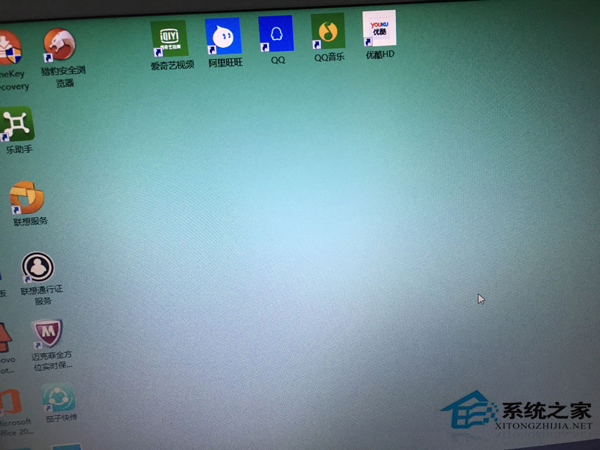
修正後重開機/重啟 Explorer,桌面圖示排列恢復正常。操作前建議匯出登錄表備份。
Win10 開啟記憶體鎖定頁面:控制台→管理工具→本機安全性原則→本機原則→使用者權限指派→鎖定記憶體頁面
Windows 10 閱讀器在哪?雙擊直接開啟 PDF 檔案
Win10 搭建 Apache + PHP 開發環境完整圖文教學(含服務安裝)
Win10 系統下 NVIDIA 控制台無法開啟?解決方法與原因分析
Win10 內建壓縮/解壓縮 ZIP 功能:右鍵傳送到壓縮資料夾、右鍵全部解壓縮
Win10 關閉透明化介面(毛玻璃效果):登錄表修改 EnableTransparency=1 禁用任務列/動作中心透明度