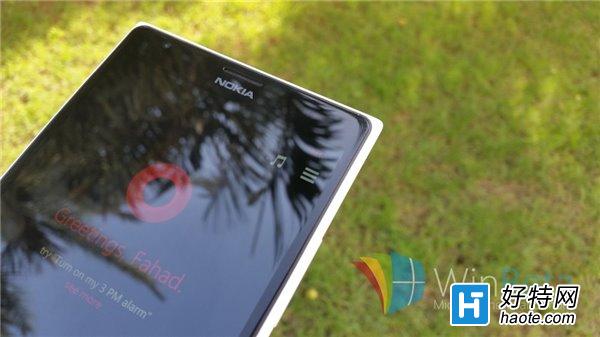
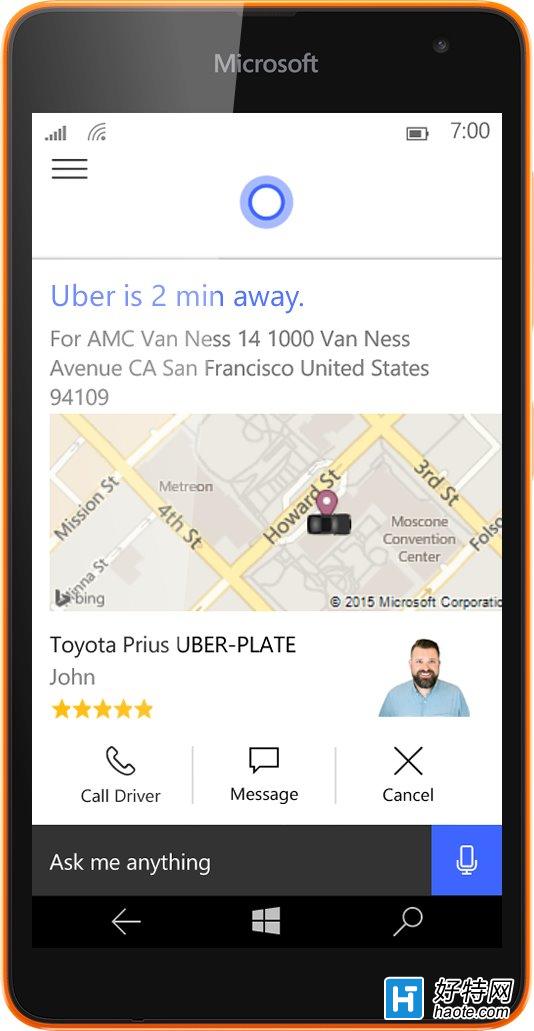
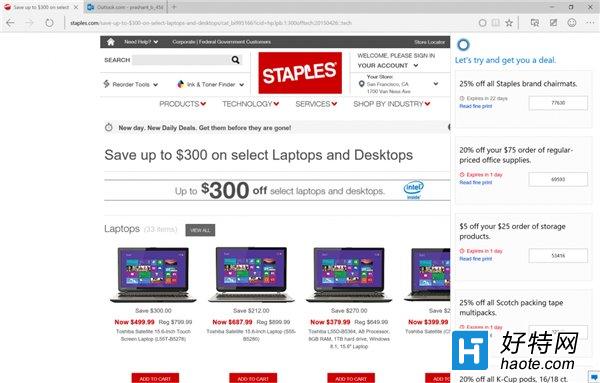
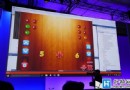
微軟展示 Cortana 與 Viber、Uber、Shopular 等熱門應用深度整合案例。不同於 WP 8.1 僅能「喚起應用」,Win 10 版 Cortana 可直接執行任務,且能力隨普及持續增強,已整合 500 款應用。
Cortana 現身桌面工作列與 Edge 瀏覽器,功能與平台解耦。微軟目標清晰:打造設備無感的無縫體驗環境,用戶無需在意終端形態,服務隨人而動。這正是「行動雲端優先」戰略在消費端的具象化落地。
Win10 如何啟用 SSD 固態硬碟 TRIM 指令?fsutil 查詢與開啟完整教學
Win10 網路頻繁斷線 (有線/無線)?關閉網卡「允許電腦關閉此裝置以節省電源」修復
Win10 系統內建應用程式變成英文?將預設輸入法改回中文即可恢復
Win10 快速切換至桌面兩大絕招:工作列「顯示桌面」鍵與 Win+D 快速鍵
解決 Win10 更新 10061 錯誤 0x80070005:建立系統管理員帳戶升級或全新安裝
Windows 10 安裝提示「檔案遺失或損毀」?拒絕迅雷下載、驗證 SHA1 完整性
加入 Windows Insider 計畫體驗 Win10:註冊成為會員下載預覽版
Win10 顯示/隱藏文件擴展名:功能區「查看」勾選一鍵切換