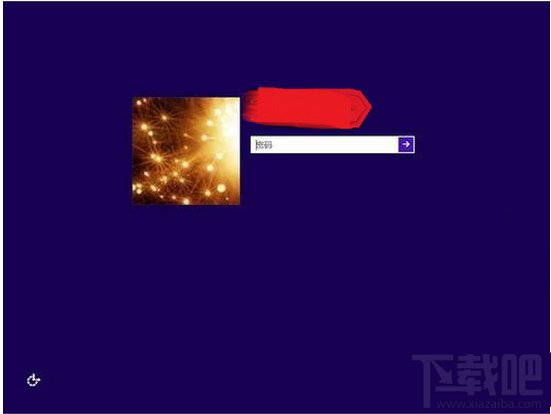
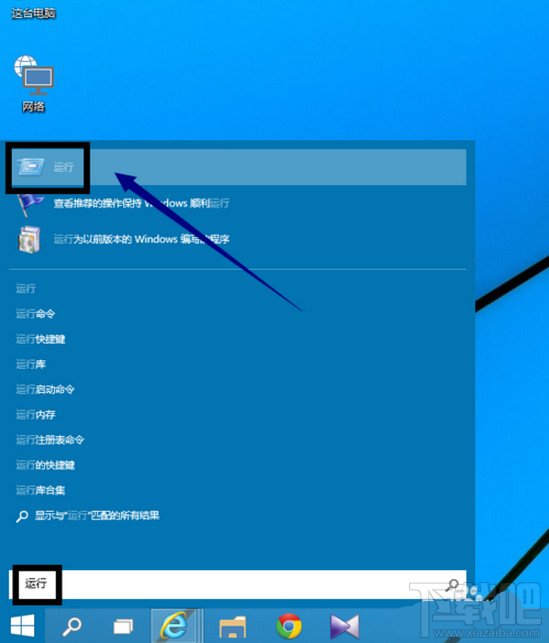
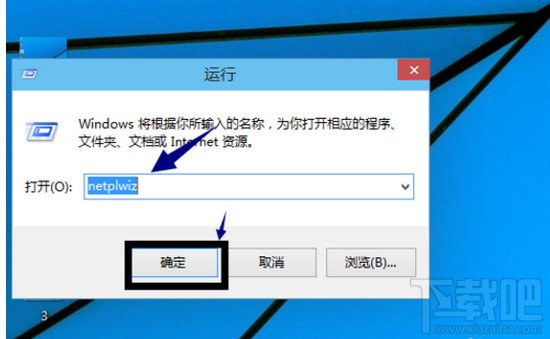
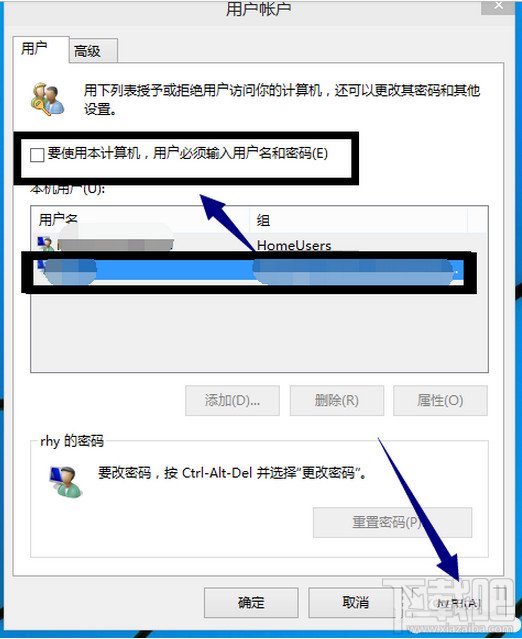
操作路徑
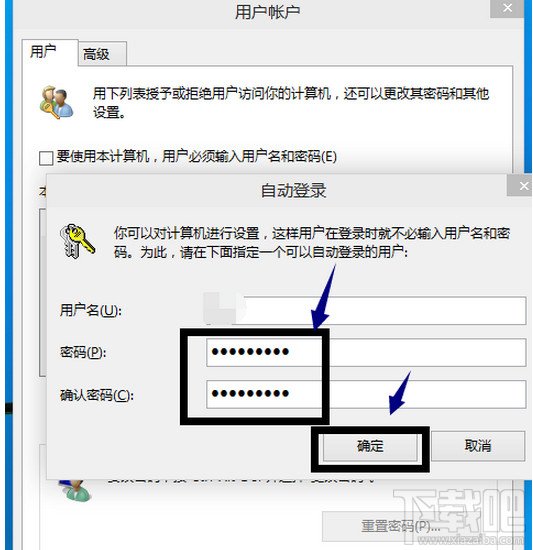
netplwiz
比控制台「使用者帳戶」介面更直接,適用本機/微軟帳號雙模式。
Win10 微軟賬戶登錄失敗 0xd00000bb 錯誤修復:網絡/DNS/Winsock 三步排查
Win10 桌面找不到「此電腦」圖示?個人化設定中勾選顯示即可找回
實測 Windows 10 相容性:主流輸入法與瀏覽器測試報告
Win10 修改 Microsoft 帳號 PIN 碼:設定→帳號→登入選項三步完成
Win10 查看硬體驅動安裝狀態:裝置管理員完整指南
Windows 10 將應用程式釘選到開始畫面磁磚區塊
Win10 桌布變模糊?關閉 JPEG 壓縮提升壁紙清晰度
Win10 關機後電源燈仍亮?關閉快速啟動:控制台 → 電源選項 → 選擇電源按鈕功能 → 取消勾選啟用快速啟動