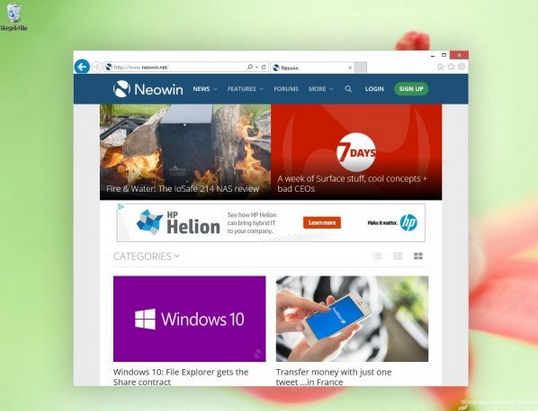
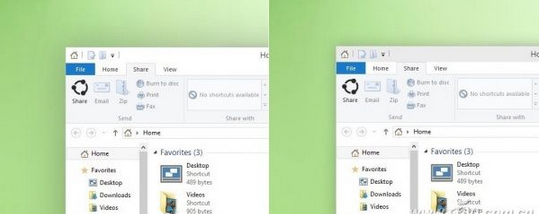
Windows 10 技術預覽版引入全新視窗陰影:作用中視窗擁有細緻 drop shadow,非作用中視窗無陰影,取代 Windows 8 單一邊框高光的層次表達。
視覺差異
- Windows 8:作用中視窗邊框高光較亮,無明顯投影
- Windows 10:作用中視窗四周呈現柔和漸層陰影,懸浮感明顯;非作用中視窗純平面,無陰影、邊框較暗
技術細節
- DWM (Desktop Window Manager) 新增陰影渲染管線
- 陰影半徑、透明度、偏移經精心調校,避免過度浮誇
- 支援高 DPI 縮放下保持銳利
- 可在「系統進階設定」→「效能」→「視覺效果」中關閉「視窗下方顯示陰影」以節省資源
意義
細微的視覺改進體現微軟對現代 UI 細節的重視,配合無邊框視窗設計、Aero Glass 現代化演進,構建更有層次、更符合材質設計語言的桌面環境。