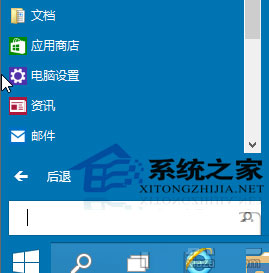
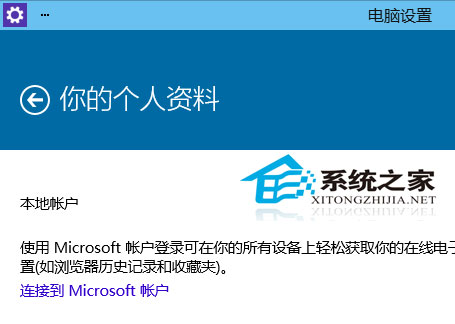
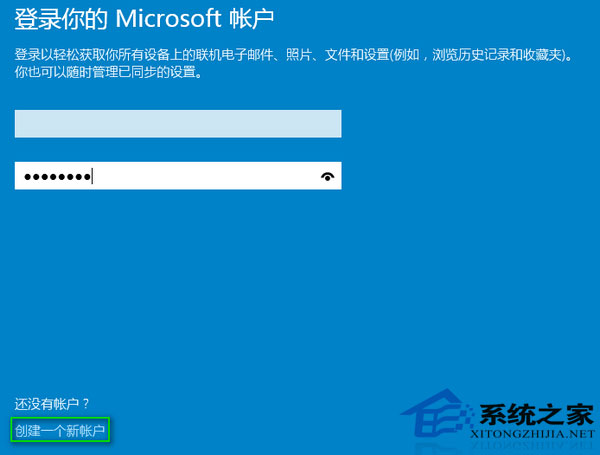
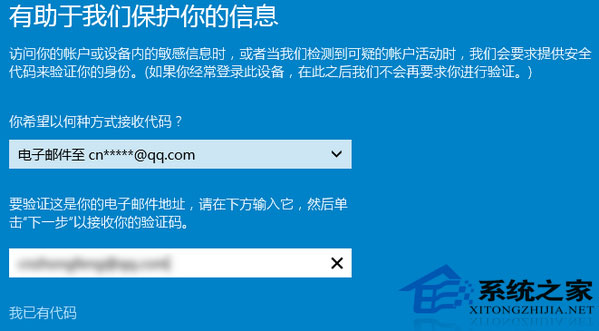
大多情況本機帳戶即夠用,特定需求(跨裝置同步設定、行事曆等)才需切換線上帳戶,掌握切換技巧很必要。
筆電插電卻不充電?電源選項啟用「使用電池」選項解決
Win10 KB3081424 更新失敗怎麼辦?SFC 修復系統檔案後再試
Windows 10 移動「我的文件」等使用者資料夾至 D 槽釋放 C 槽空間
升級 Win10 必知 7 件事:免費對象、途徑、配置、盜版、XP、永久授權、時間表
Win10 任務檢視按鈕顯示/隱藏:任務列右鍵一鍵切換
Win10 電腦莫名自動重開機?關閉系統失敗自動重啟與診斷啟動排除故障
Windows 10 Modern 介面啟用高對比度模式教學 (輕鬆存取功能)
Windows 10 郵件與行事曆同步錯誤 0x80c8043e:同 ID 23335 方案重複