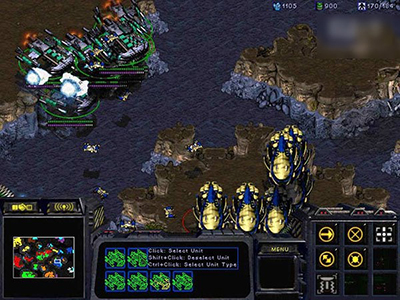
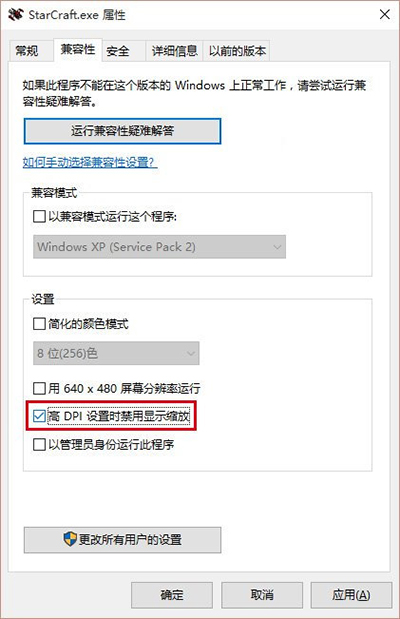
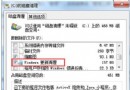
StarCraft.exe
Brood.exe
同樣問題常見於其他舊版遊戲,皆可嘗試調整「相容性」索引標籤設定(如以系統管理員身分執行、Win7 相容模式等)因地制宜解決。
Win10 設定點擊 IE 磚塊開啟桌面版 IE:Internet 選項勾選項目
Win10 內建「入門」App 影片教學:開始選單、商店、Modern App、Cortana 操作示範
Win10 10074 鍵盤輸入延遲?關閉微軟拼音雲端運算即刻解決
Win10 相機應用儲存位置變更:修改「本機照片」資料夾路徑
Win10 如何關閉操作中心通知?登錄表一鍵停用彈窗
Win7/8.1 徹底關閉 Win10 升級提示:群組原則、登錄檔、GWX Stopper 四大法總整理
Windows 10 與 Windows 8.1 雙系統安裝完整教學:分區、ISO 掛載與啟動修復
Win10 設定「Windows 照片查看器」為預設看圖程式