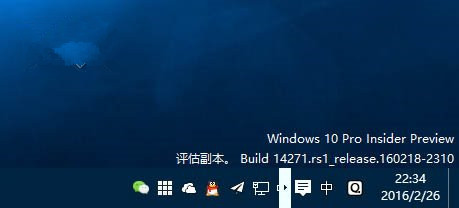
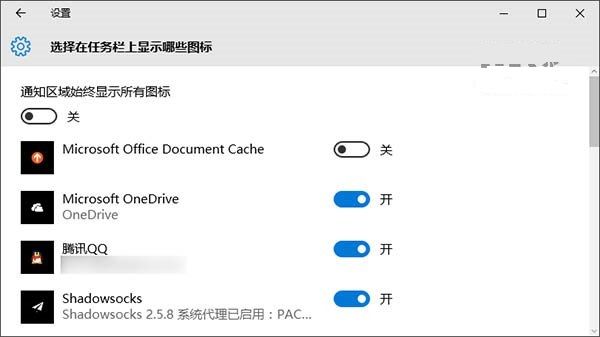
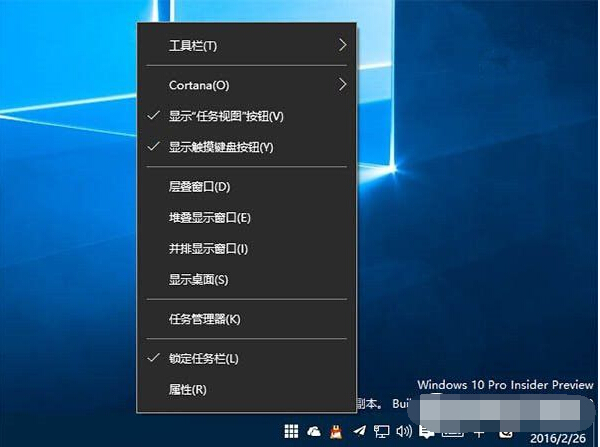
14271 版本工作列通知區出現白框箭頭 (UI Bug),兩種修復方式:
屬介面配置 Bug,後續版本已修正。
Win10 寫字板設定視窗寬度自動換行:避免水平捲動提升閱讀體驗
Win10 關機三法:開始選單、Alt+F4、右鍵開始按鈕
Win10 郵件應用如何更換背景壁紙?個人化設定教學
Win10 ISO 映像檔整合語言包製作中文版教學
Win10 內建應用誤刪如何恢復?從應用商店重新安裝
Win10 輸入法切換完全指南:預設熱鍵、自訂快捷鍵、任務列切換
Win10 Build 10125 中文語言包安裝與亂碼問題解決
Win10 設定 Windows Defender 排程掃描時間與頻率(本機群組原則進階配置)