Windows XP Windows 7 Windows 2003 Windows Vista Windows 綜合教學 Linux 系統教學
Windows 10 Windows 8 Windows 2008 Windows NT Windows Server 電腦軟體教學

Windows 10 取得說明三大管道:F1 鍵搜尋、詢問 Cortana、內建「快速入門」App

編輯:Windows 10 系統介紹

Win10 移除傳統 CHM 說明檔,改為分散式說明機制。三種主要取得說明方式:
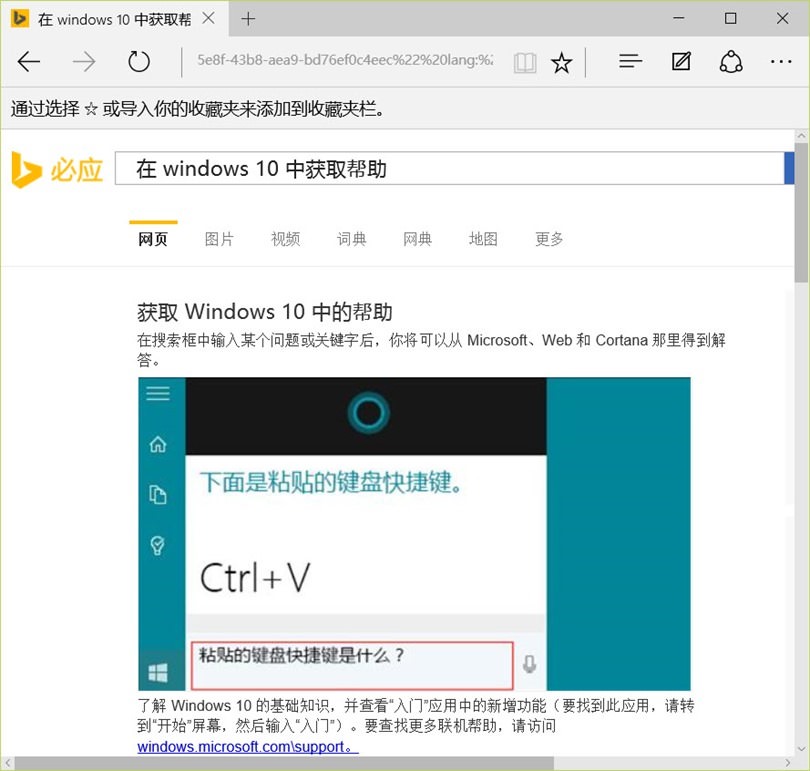
1. F1 傳統熱鍵 (部分繼承)

  • 應用程式支援自身說明 → 開啟該應用說明
  • 無專屬說明 → 啟動預設瀏覽器搜尋 Bing「Windows 10 說明」

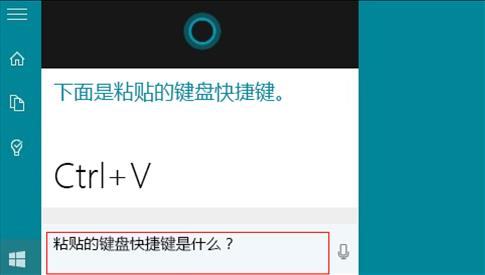
2. 詢問 Cortana (語音/文字)

  • 點擊工作列搜尋框或 Win+S / Win+C (語音)
  • 輸入/說出問題 (如「如何設定虛擬桌面」、「藍牙不見了怎麼辦」)
  • Cortana 回覆系統設定步驟、開啟相關設定頁面、或提供網路搜尋結果

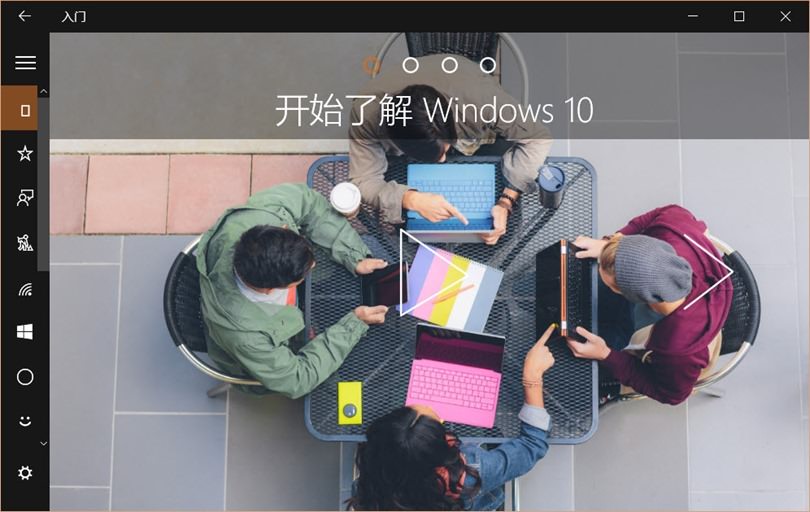
3. 內建「快速入門」App (Get Started / Tips)

  • 開始選單 → 「快速入門」/「提示」App
  • 分類式教學:新功能介紹、基本操作、進階技巧、疑難排解
  • 互動式導覽,適合新手快速上手 Win10 新介面

補充管道

  • Microsoft 官方支援網站 support.microsoft.com
  • 意見回饋中樞 (Win+F) 回報問題、查看已知問題狀態
  • 社群論壇:Microsoft Community、Reddit r/Windows10、PTT Win10 版
Copyright © Windows教程網 All Rights Reserved