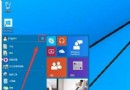
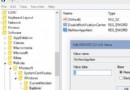
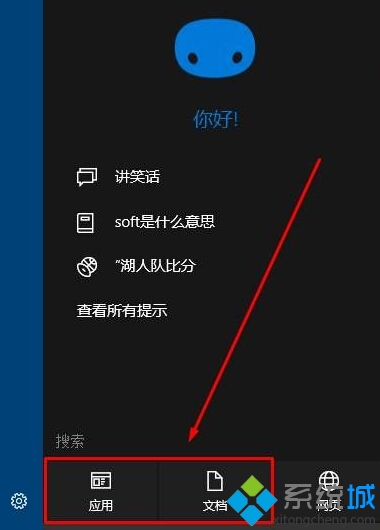
Windows 10 的 Cortana 搜尋預設會整合 Bing 網路結果,若希望僅搜尋本機檔案與應用程式,可透過搜尋介面的分類篩選快速實現,無需修改系統設定。
此為臨時篩選,下次開啟 Cortana 仍會預設顯示網路結果。若需永久關閉網路搜尋,請參考 ID 20825 文章設定。

Win7 突然斷網:360 網路急救箱修復 DNS/DHCP 設定
Win10 設置螢幕自動關閉時間:設定 → 系統 → 電源和睡眠 → 螢幕區域設定關閉分鐘數
Windows 10 升級助手 (Win10Helper) 卸載教學:工作管理器定位進程 → 開啟檔案位置 → 執行 Uninst.exe
Win10 安裝驅動提示「數位簽名無法驗證」?關閉強制簽名即可解決
Win10 10586.318 (KB3156421) 累積更新完整內容:修復項目與安全性更新一覽
Win10 系統版本號怎麼查?CMD 執行 dism /online /get-targeteditions 即時顯示