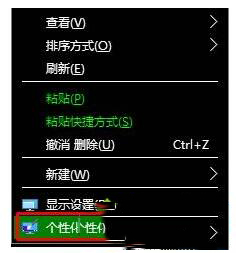
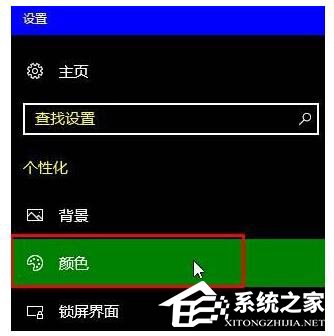
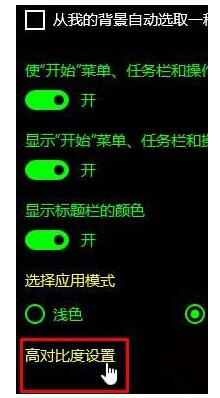
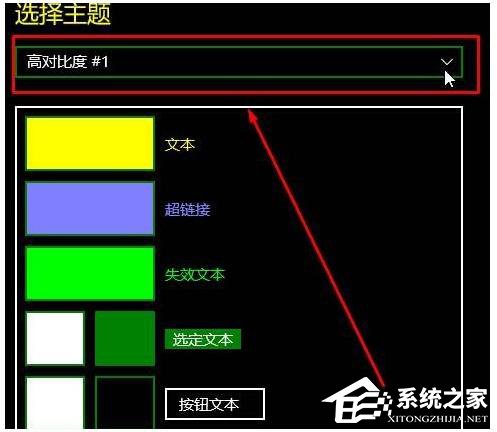
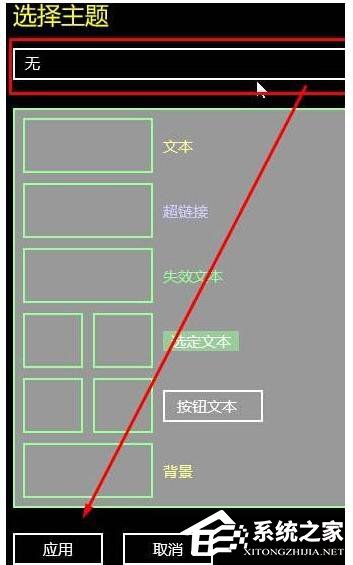
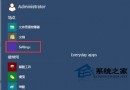
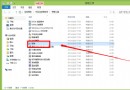
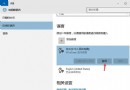
Windows 10 的高對比度模式雖然方便視力不佳的使用者,但若不小心開啟或想恢復預設外觀,關閉方式其實很簡單。以下透過「設定」介面逐步說明如何退出高對比度模式。
許多使用者誤以為「無」選項無法選取,實際上它正是關閉高對比度的關鍵。完成上述步驟後,系統色彩將立即恢復正常。
一鍵升級 Windows 10:騰訊/360 合作通道,XP/Vista/7/8 全版本免費升級
Win10 檔案總管搜尋不到檔案?重建索引:LocalState/Indexed 資料夾進階屬性 → 取消勾選 → 重新勾選內容索引
Windows 10 周年更新常見問題彙總:下載來源、易升報錯、無限重啟、藍屏、中文亂碼、企業版授權等 9 大 QA
升級 Windows 10 後多出一個「復原分區」是什麼?能不能刪除?
Win10 桌面捷徑建立教學 (部分重複 ID 21469):以數學輸入面板為例示範完整流程
USB 安裝 Ghost 版 Win10 系統完整圖文教學
Win10 筆電插電卻不充電?兩大原因排查與解決
Win10 使用 91 助手備份/還原手機通訊錄完整教學