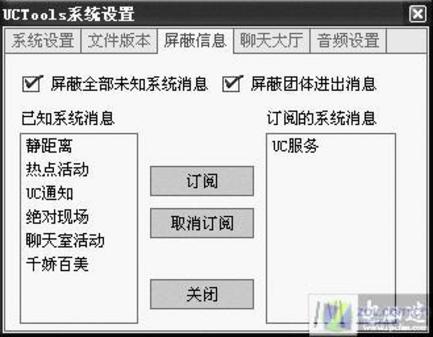
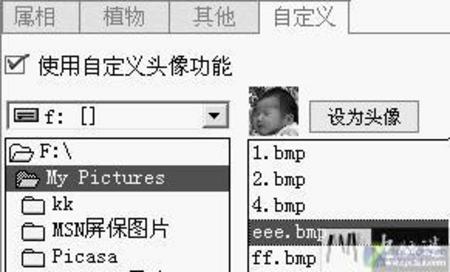
UCTools 嵌入 UC 主程式,無獨立視窗,省資源、易操作。
圖 1圖 2
commonua.exe 佔用 CPU 100%?支付寶升級元件異常完整解決方案
微信聲波加好友教學:面對面一鍵建立連線
IE9 找不到「使用軟體繪圖而非 GPU」選項?兩種修復法:重裝或匯入註冊表
IE7 訪問 HTTPS 網站故障完整排除:XP/Vista 雙平台、證書匯入、SSL 2.0、混合內容
Foxmail 黑名單自動過濾刪除垃圾郵件
Chrome 分頁與視窗管理技巧:Session Manager、Simple Window Saver 降低記憶體佔用
給 IE 6 下載提速:註冊表啟用多線程(MaxConnectionsPerServer)、調整伺服器連線數
IE 暫存資料夾在哪裡?開啟與清理完整圖解教學