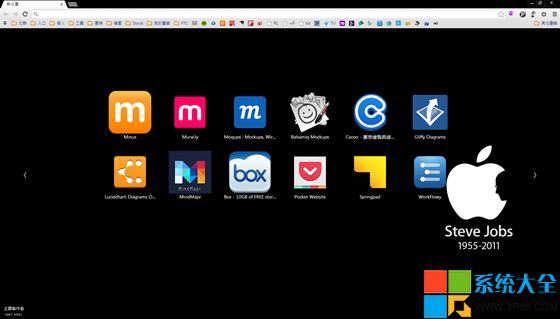
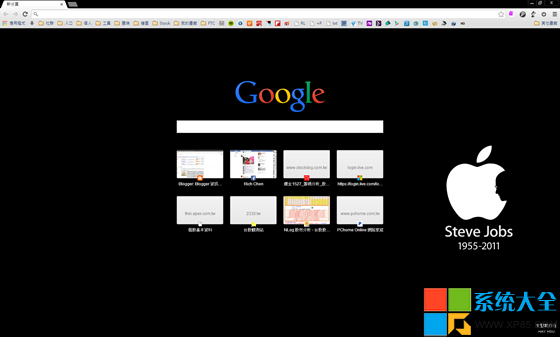
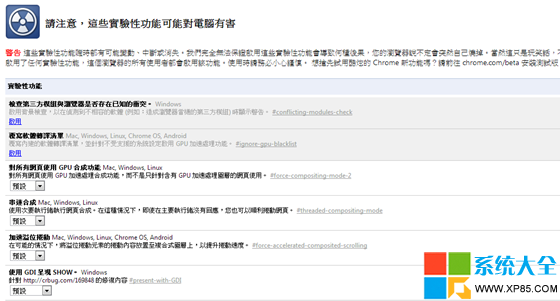
Chrome 新版將擴充功能藏入左上角「應用程式」按鈕、新增搜尋列,習慣舊版工具列顯示擴充圖示的用戶可透過實驗性功能關閉新介面。
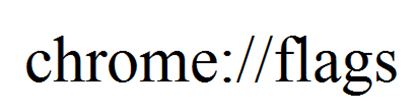
chrome://flags
重開 Chrome 即恢復舊版工具列顯示擴充圖示的經典介面。註:Chrome 版本更新可能移除此旗標,屆時需尋找替代方案。
《俠客風雲傳》天下霸圖結局達成攻略 天賦選擇、流程規劃與關鍵節點全解析
搜狗輸入法自訂日期快捷鍵:rq3 秒出 yyyy-mm-dd 格式
金山毒霸 LSP 修復工具使用教學:一鍵修復瀏覽器劫持、廣告彈窗
迅雷 Tumblr 圖片下載器操作教學:小工具菜單→輸入域名→分析→下載任務組
最終幻想零式HD PC版「開啟 Launch 錯誤」解決方案:補齊 VC++ 運行庫或用 DXRepair 修復
網頁列印省紙省墨神器:PrintFriendly 即刪即印、另存 PDF、去廣告去干擾,瀏覽器無需安裝擴充
QQ拼音輸入法隱藏功能大揭秘:10大實用技巧讓輸入飛起來
電腦常見視訊格式大全:特性、編碼與適用場景一次看懂