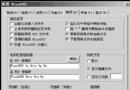
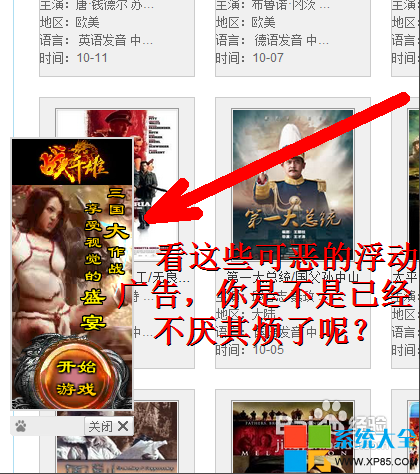
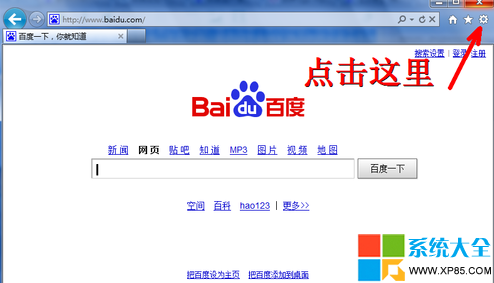
受不了漂浮廣告、跳動圖片?IE 安全設定一招全清:
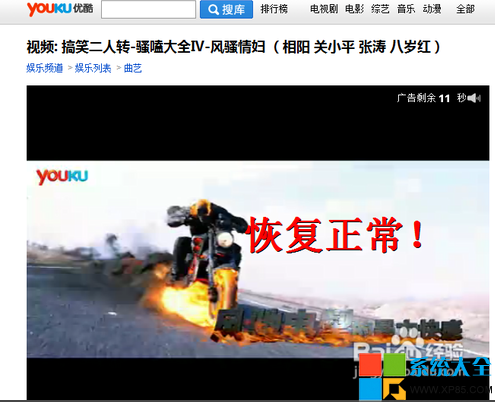
代價:網頁視頻/Flash 內容也無法播放。需看影片時,回同一路徑把「執行 ActiveX 控制項」改回「啟用」即可暫時恢復。
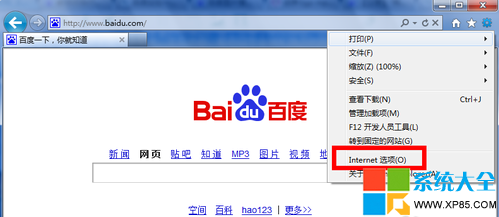
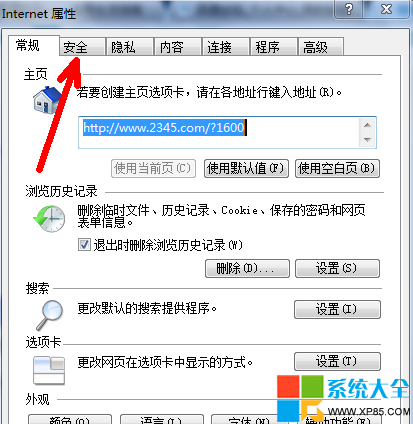
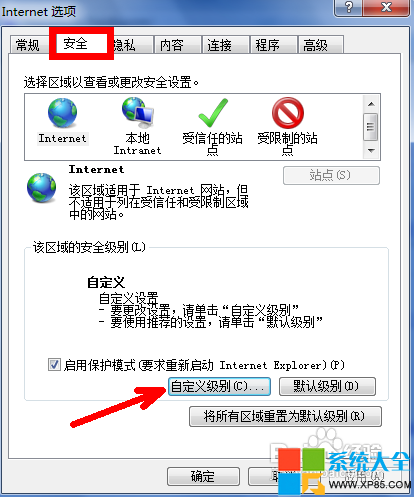
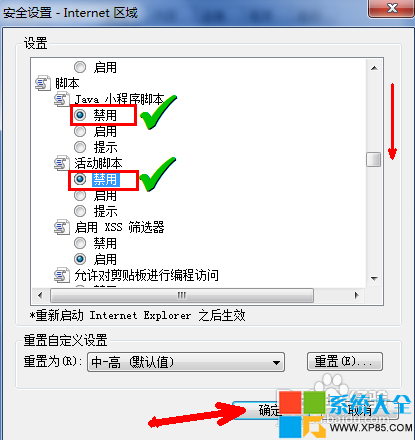
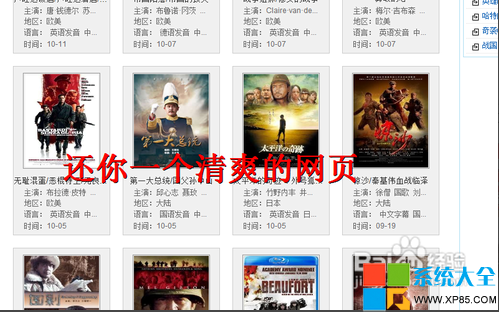
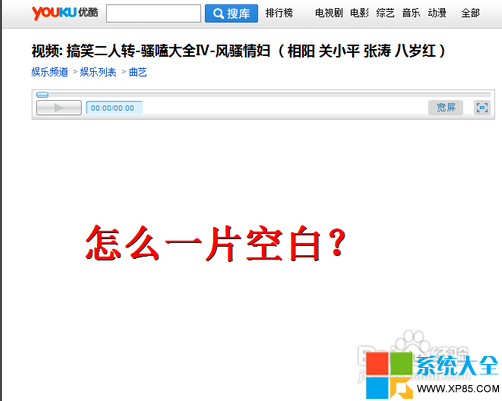
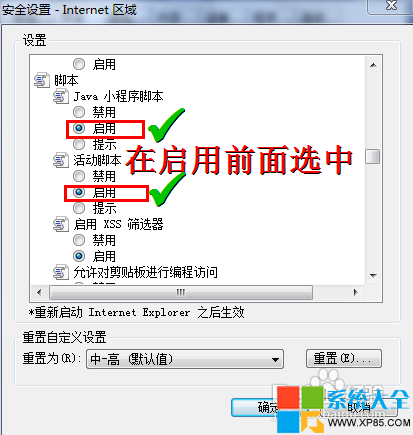
僅對 IE 及 IE 核心瀏覽器有效,Chrome/Firefox 需用擴充套件。
《刺客信條2》格鬥武器系統全解析:主/副/消耗/刺殺/拳術五大類、攻速與反擊概率關係、莊園訓練技能
《妖精劍士F》劇情BUG修復方案:文件十六進制修改/漢化補丁3.0
Photoshop「記憶體不足」完整排解:效能設定優化與快取管理指南
《合金裝備5:幻痛》初期無限刷小動物錢/資源法:自由模式進大地圖→接任意主線→達始點旁放滿籠子→開始任務→籠子滿捕獲→暫停放棄→讀檔循環,裝備彈藥同步補滿
Win7查看Aero特效佔用內存大小方法:dwm.exe進程揭秘
天涯明月刀重出江湖回歸禮包領取地址與四重禮包內容詳解:9 月 6 日前 7 天未登錄即可領
CF聯手QQ瀏覽器專屬特權:用QQ瀏覽器打開頁面直領收割者7天,無瀏覽器需下載連簽3天得愛心背包/粉狙,邀請好友雙向獎勵