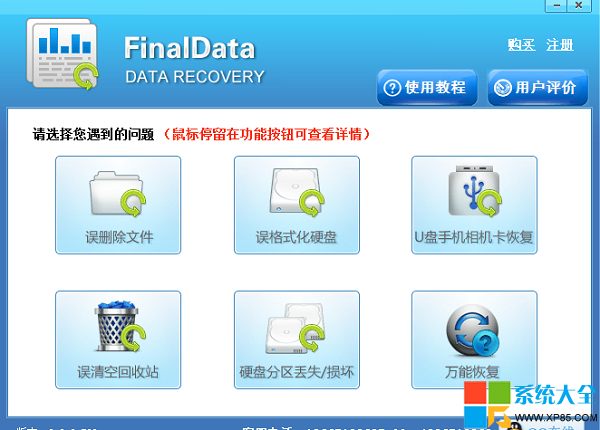
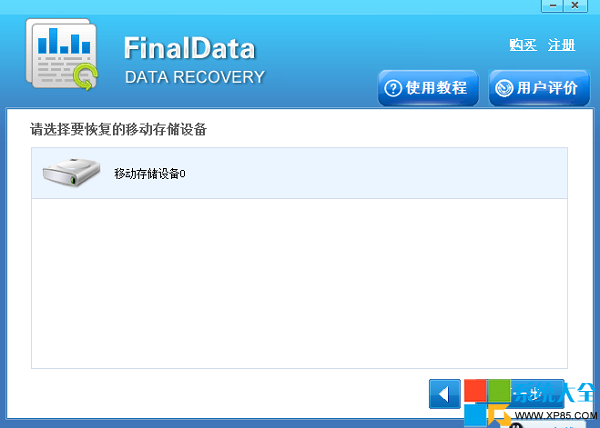
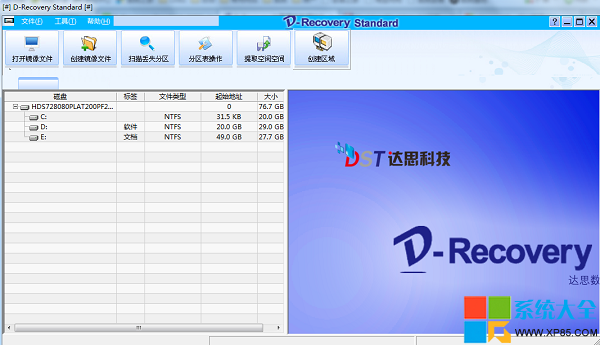
誤刪或快速格式化 U 盤,資料未被覆寫前恢復機率極高,關鍵:立即停止寫入 U 盤。兩款工具實測:
原則:越早操作、越少寫入、恢復到他盤,成功率越高。
百度導航離線導航設置教程:下載離線包省流量也能精準導航
電腦冷啟動完整解析:定義、作用與操作風險
《俠客風雲傳》五毒赤焰功傷害解析與天賦搭配 站撸毒死BOSS無壓力
360 刷機助手安裝與使用圖文教程:一鍵刷機、備份還原、Recovery 操作全流程
360 壓縮加密壓縮包教程:設置密碼保護隱私文件
Excel 單元格內換行兩大法:Alt+Enter 手動換行 vs 自動換行格式設置,場景化選擇不踩坑
逆戰國慶活動「聲聲祝福賀國慶,連連驚喜樂不停」參與方式與獎勵詳情
iTunes 下載的 App 如何安裝到 iPhone?資料線同步安裝教學