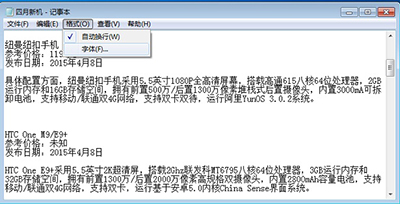
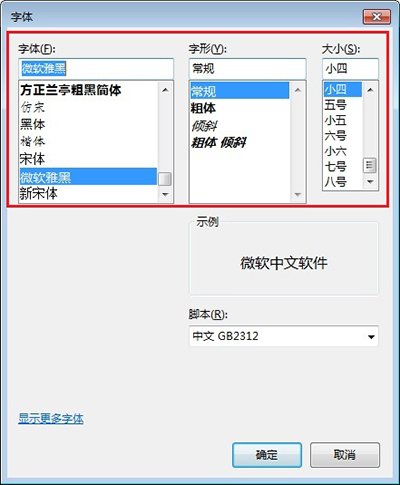
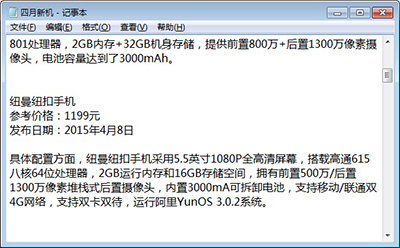
Windows 記事本預設字體單調?幾步自訂字體、字型、大小,打造專屬編輯視窗。
系統內建字體有限,先安裝個性字體(如下載 .ttf/.otf 雙擊安裝),再至記事本設定,效果更獨特。
灰鴿子遠控木馬運作原理與手動清除全攻略
360極速瀏覽器字體大小調整教學:預設五級與自定義字體完整設定
隨身碟真偽辨識全攻略:金士頓為例教你避開擴容盤、劣質盤
誤刪檔案且清空回收站怎麼辦?用 360 安全衛士嘗試資料救援
《英雄聯盟》官方商城即將上線 手辦、服飾、抱枕、海報周邊全覆蓋
CF 9月「非常幸運」第二波:幸運玩家直領青花瓷套裝
破解 Android 手機 OTG 功能:外接供電 OTG 線 + 修改 vold.fstab 系統檔,讓閹割機型也能讀 U 盤
Win10 玩遊戲卡頓?驅動人生一鍵修顯卡、關閉 Xbox DVR