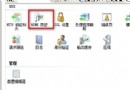
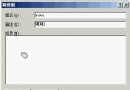
AWStats 是基於 Perl 的強大網頁日誌分析工具,支援 CGI 動態報表與靜態 HTML 報表輸出,廣泛用於 IIS/Apache 日誌統計。
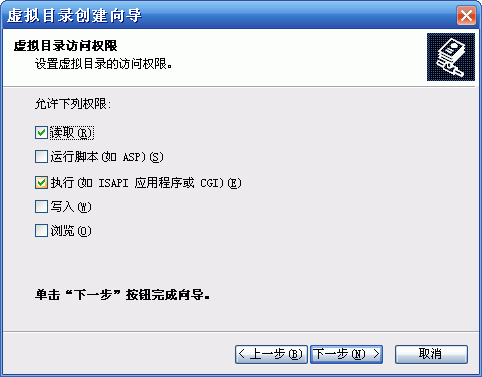
.txt 或 XML)。awstats.pl CGI 程式動態顯示,或用 -output 參數生成靜態 HTML。Installer.bat。D:\Perl。none。D:\Perl\bin 加入系統環境變數 Path。在 IIS 中建立虛擬目錄 (如 test 指向 D:\test),權限勾選「執行 (如 ISAPI 應用程式或 CGI)」。
於該目錄建立 test.pl:
#!d:\perl\bin\perl.exe
print "content-type:text/html\n\n";
print "<html><head><title>test</title></head><body><center>";
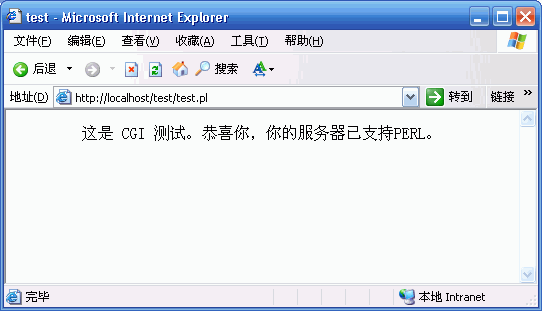
print "這是 CGI 測試。恭喜你,你的伺服器已支援 PERL。";
print "</center></body></html>";
瀏覽 https://localhost/test/test.pl,若顯示成功訊息即表示環境就緒。
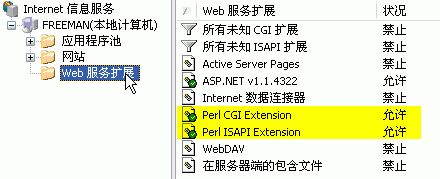
www.45it.com)。awstats.www.45it.com.conf。必要欄位:date, time, c-ip, cs-username, cs-method, cs-uri-stem, sc-status, sc-bytes, cs-version, cs(User-Agent), cs(Referer)。
LogFile="C:/WINDOWS/system32/LogFiles/W3SVC1/ex%YY-24%MM-24%DD-24.log"
LogType=W
LogFormat="date time cs-method cs-uri-stem cs-username c-ip cs-version cs(User-Agent) cs(Referer) sc-status sc-bytes"
SiteDomain="www.45it.com"
DirIcons="/icon"
DefaultFile="index.html"
StyleSheet="/css/awstats_default.css"
Include "awstats.public.conf"
注意: IIS 6.0 不可 使用 LogFormat=2,需自訂如上格式。
建立批次檔 makelog.bat:
perl D:\AWStats\wwwroot\cgi-bin\awstats.pl -update -lang=cn -config=www.45it.com
perl D:\AWStats\wwwroot\cgi-bin\awstats.pl -update -lang=cn -config=site2
...
加入 Windows 工作排程器,每日執行一次。
awstats 指向 AWStats 安裝目錄下的 wwwroot,權限勾選「執行」。https://localhost/awstats/cgi-bin/awstats.pl?config=www.45it.com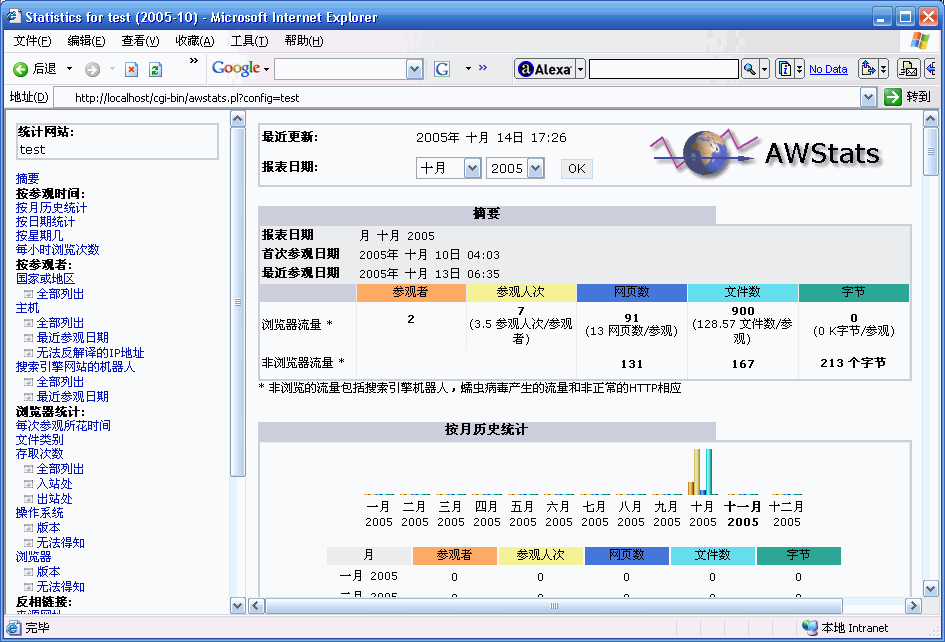
awstats.public.conf 存放共通參數,各站點 Include 後僅覆蓋 LogFile、SiteDomain。HTMLHeadSection、HTMLEndSection 嵌入品牌資訊。