現象:在 VMware Workstation 9.0 中掛載 USB 3.0 設備(如無線網卡)時提示:
The connection for the USB device 'Ralink 802.11 n WLAN' was unsuccessful. The device is currently in use.
VMware Workstation 9.x 及更早版本不支持 USB 3.0 控制器。筆記本 USB 口為藍色(USB 3.0 标志),內核驅動為 xHCI,VMware 無法正確識別並接管設備。
VMware USB Arbitrator returned error code 4:同屬 USB 3.0 不兼容導致。lsusb -t # 查看設備掛載的總線類型:xHCI 為 USB 3.0,ehci/uhci 為 USB 2.0
若顯示 xHCI,需按上述方案處理。
Linux 檔案系統目錄結構深度解析:FHS 標準、掛載機制與連結技術
Linux 指令英文縮寫對照表:從 ls 到 yum 的語義記憶法
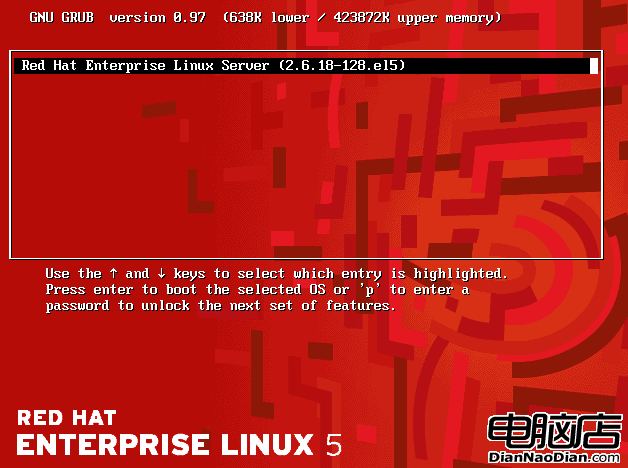
Linux GRUB 開機引導配置詳細解析:grub.conf 關鍵參數與雙系統安裝順序
Ubuntu 格式化 USB 隨身碟指令大全:mkfs.vfat/ntfs/ext4 圖形與命令列雙軌
Linux 定時清理指定天數前的舊檔案(find + crontab 實戰)
Linux 必會命令速查大全:日期時間、輸出查看、硬件信息、關機重啟、壓縮歸檔、文件查找六大類