qBittorrent 是跨平台、無廣告、開源的 BitTorrent 客戶端,介面類似 μTorrent,支援 UPnP/NAT-PMP、加密傳輸、DHT/PEX、內建搜尋引擎、IP 過濾、RSS 訂閱、遠程 Web UI。
sudo add-apt-repository ppa:hydr0g3n/qbittorrent-stable
sudo apt-get update && sudo apt-get install qbittorrentsudo add-apt-repository ppa:hydr0g3n/qbittorrent-trunk
sudo apt-get update && sudo apt-get install qbittorrent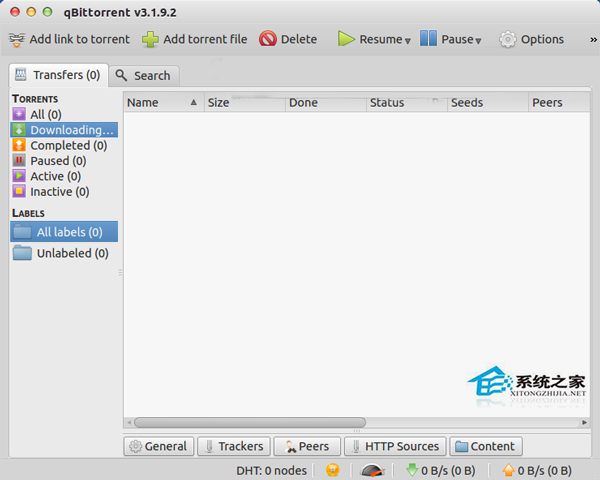
選擇建議: 伺服器/長期使用選 Stable PPA;想嘗試新功能 (如 Qt6 遷移、新搜尋引擎) 可用 Trunk PPA,但請做好資料備份。兩者無法共存,安裝前請先移除舊版。
Zabbix 整合 Telegram 報警機制:安裝客戶端、啟用 API、本地監聽、腳本發送
Linux 雙伺服器 IP 無縫切換實戰:ifconfig 別名介面 + arping 免費 ARP 宣告秒級遷移
Ubuntu 12.04 安裝 XScreenSaver 取代預設螢幕保護程式
CentOS 安裝與配置 Subversion (SVN) 版本控制伺服器完整指南
Linux Git 倉庫清理無效對象:從 git filter-branch 到 BFG Repo-Cleaner
紅旗 Linux 6.0 安裝 VirtualBox 完整教學:從下載到建立虛擬機