GRUB 2 開機卡在 grub> 或 grub rescue> 提示符,代表找不到 grub.cfg 或核心模組 normal.mod。常見原因:硬碟序號變更、分區調整、新增作業系統覆寫 MBR。透過 GRUB 2 命令列可手動定位開機檔案並修復。
grub>:已載入 normal.mod,功能完整 (Tab 補全、歷史、檔案系統瀏覽)。grub rescue>:未載入 normal.mod,僅支援 set、ls、insmod 等基本指令。set pager=1ls
# (hd0) (hd0,msdos2) (hd0,msdos1) .../boot/grub 或 /boot):
ls (hd0,1)/
# 看到 lost+found/ bin/ boot/ ... 即為根分區cat (hd0,1)/etc/issue
# Ubuntu 14.04 LTS ...set root=(hd0,1)
linux /boot/vmlinuz-3.13.0-24-generic root=/dev/sda1 ro
initrd /boot/initrd.img-3.13.0-24-generic
bootsudo update-grub
sudo grub-install /dev/sda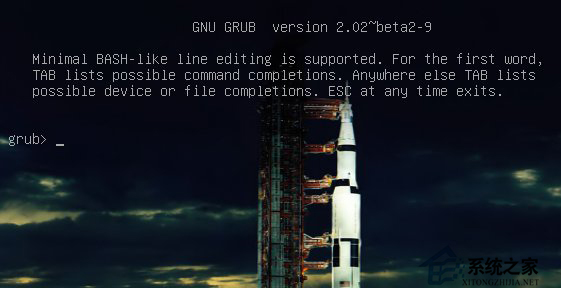
關鍵提醒: GRUB 2 裝置命名(hd0,1)對應 Linux/dev/sda1(磁碟從 0 起算、分區從 1 起算)。使用 Tab 鍵自動補全核心/ initrd 檔名避免拼字錯誤。若為 UEFI 系統,需掛載 EFI 分區並指向grubx64.efi。