CentOS 上啟動 Eclipse 時彈出錯誤:
Failed to load the JNI shared library "/home/java2000_wl/jdk/jdk1.6.0_41/bin/../jre/lib/i386/client/libjvm.so"
主因是 SELinux 阻擋了 JVM 共享庫的載入。關閉 SELinux 即可解決。
vi /etc/sysconfig/selinuxSELINUX=enforcing 改為 SELINUX=disabled:# This file controls the state of SELinux on the system.
# SELINUX= can take one of these three values:
# enforcing - SELinux security policy is enforced.
# permissive - SELinux prints warnings instead of enforcing.
# disabled - SELinux is fully disabled.
SELINUX=disabled
# SELINUXTYPE= type of policy in use. Possible values are:
# targeted - Only targeted network daemons are protected.
# strict - Full SELinux protection.
SELINUXTYPE=targetedreboot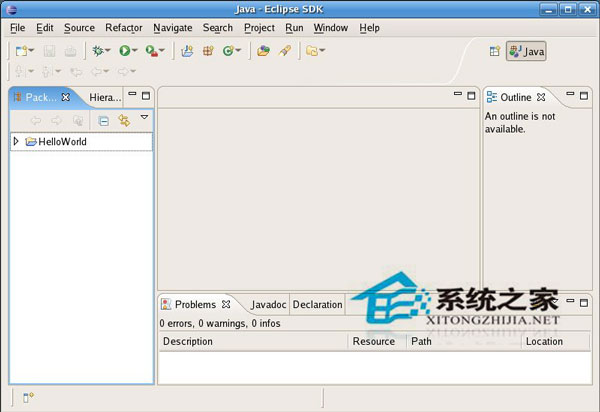
libjvm.so。disabled 後完全關閉 SELinux,JVM 可正常載入。SELINUX=permissive(僅記錄不阻擋),但建議生產環境評估風險後再決定。Ubuntu 通常預設未啟用 SELinux,若遇同類錯誤,請檢查:
eclipse.ini 中 -vm 參數指向正確的 java 執行檔。openjdk-8-jdk 或 Oracle JDK 並設定 JAVA_HOME。