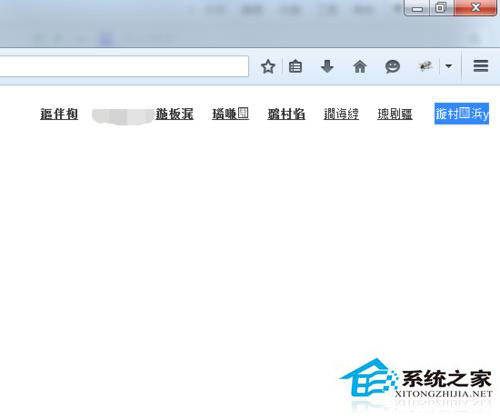
Firefox 預設允許網頁指定字體,導致 Linux 上中文回退字體錯誤顯示亂碼。本文提供三層解決方案:GUI 設定禁止網頁自選字體、暴力移除 /etc/fonts/conf.d/49-sansserif.conf、精準修改 Fontconfig 規則指定首選中文字體 (如思源黑體、Noto Sans CJK)。
sudo mv /etc/fonts/conf.d/49-sansserif.conf /etc/fonts/conf.d/49-sansserif.conf.bak
fc-cache -fv
49-sansserif.conf 原為 Flash Player 字體回退規則,現多與系統中文字體衝突。
# 編輯或建立 /etc/fonts/conf.d/99-my-fonts.conf


    sans-serif
    serif
    monospace
    Noto Sans CJK TC
fc-cache -fv
mode="append_last":在字體回退列表末尾添加,保留原有優先序。Noto Sans CJK TC 替換為你偏好的字體 (如 Source Han Sans TC、PingFang TC)。
fc-match sans-serif
# 應顯示你指定的字體檔案路徑
套用方案三後,Firefox 及所有 GTK/Qt 應用程式中文顯示將統一、清晰、無亂碼。