PPA (Personal Package Archive) 讓 Ubuntu 使用者輕鬆安裝官方倉庫未收錄或更新版本的軟體。本文以 VLC 播放器為例,完整示範 add-apt-repository 新增來源、apt update 同步索引、apt install 安裝軟體的圖文流程。
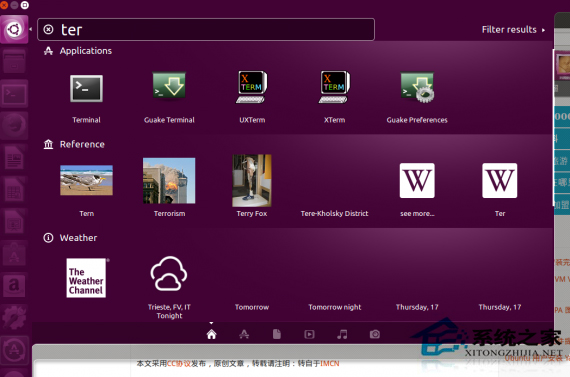
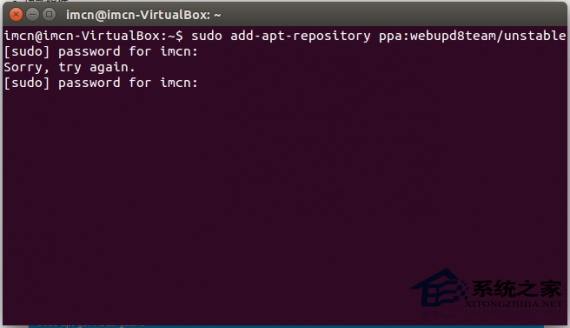
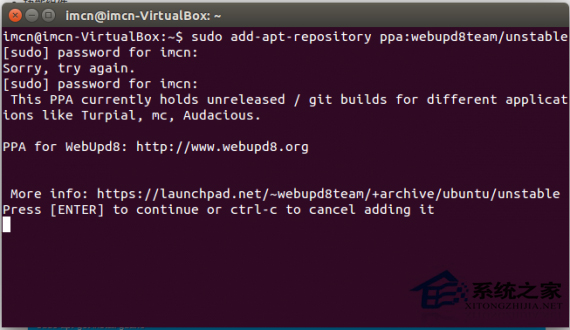
# 1. 新增軟體源 (以 VLC 穩定版為例)
sudo add-apt-repository ppa:videolan/stable-daily

# 2. 更新套件索引
sudo apt-get update

# 3. 安裝目標軟體
sudo apt-get install vlc
| 專案 | PPA 位址 | 說明 |
|---|---|---|
| Git | ppa:git-core/ppa | 最新穩定版 Git |
| Node.js | ppa:chris-lea/node.js | 舊版 Node.js (現建議用 nvm/fnm) |
| PHP | ppa:ondrej/php | 多版本 PHP (7.4~8.3) |
| Nginx | ppa:nginx/stable | 穩定版 Nginx |
sudo add-apt-repository --remove ppa:videolan/stable-daily
sudo apt-get update
善用 PPA 即可在 Ubuntu 上輕鬆獲得最新開源軟體,無需手動編譯或下載 .deb 檔。