Ubuntu 更新核心後舊版本不會自動移除,久而久之導致 /boot 分區滿載,影響後續更新。本文以 Ubuntu 為例,示範如何查詢當前核心、列出所有已安裝核心套件,並安全移除舊版本。
uname -r
# 輸出範例:5.15.0-91-generic
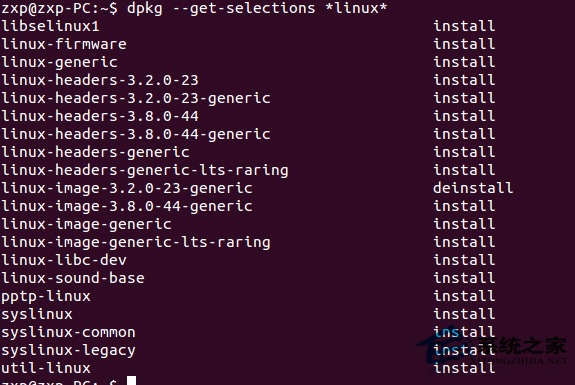
dpkg --list 'linux-image*' 'linux-headers*' 'linux-modules*' | grep ^ii
# 範例:移除 5.15.0-88 版本
sudo apt-get purge linux-image-5.15.0-88-generic \
                   linux-headers-5.15.0-88 \
                   linux-headers-5.15.0-88-generic \
                   linux-modules-5.15.0-88-generic \
                   linux-modules-extra-5.15.0-88-generic
# 僅保留當前核心與最新一個舊核心
sudo apt-get autoremove --purge
sudo update-grub
reboot
uname -r   # 確認仍正常啟動
警告:切勿移除 linux-image-generic、linux-headers-generic 等元套件,否則未來更新將無法自動拉取新核心。