Chrome 使用久了會變慢,透過以下 6 招可明顯改善 Linux 環境下的瀏覽速度(同樣適用 Windows/macOS)。
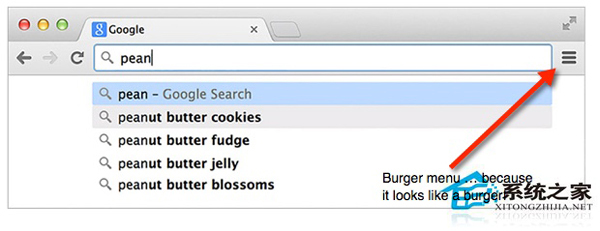
chrome://help 強制檢查更新。chrome://extensions 取消勾選或點擊垃圾桶移除。chrome://plugins 點擊「停用」連結。chrome://flags 搜尋 Enable fast tab/windows close 啟用,重啟瀏覽器。(實驗性功能,謹慎使用)chrome://flags 搜尋 Enable tab discarding 啟用,記憶體不足時自動卸載背景標籤。(實驗性功能)chrome://settings/clearBrowserData 僅勾選「快取圖片與檔案」清除,釋放磁碟空間加速回應。定期執行上述步驟,保持 Chrome 輕快流暢。
Linux 系統編程:open 與 fopen 深度解析與選型指南
Linux 系統 sync 指令詳細解析:確保資料真正寫入磁碟
CentOS 6.x 修改網卡名稱三大法:udev 規則、setup 工具、grub 參數 + 重命名配置檔
LNMP 環境下 PHP mail() 無法發信?Sendmail 與 Postfix 兩大解決方案實戰
CentOS 6 安裝與配置 SVN 版本控制伺服器完整指南
Linux tmpfs 記憶體檔案系統實戰:原理、預設大小、動態佔用與 Oracle AMM/臨時檔案加速應用
Git 在 Windows 上報錯「exit code 128/1」:TortoiseGit SSH Client 設定修正指南