Windows XP Windows 7 Windows 2003 Windows Vista Windows 綜合教學 Linux 系統教學
Windows 10 Windows 8 Windows 2008 Windows NT Windows Server 電腦軟體教學
您现在的位置: Windows教程網 >> Windows教程 >  >> Linux 系統教學 >> 關於 Linux

Linux GNOME Panel 圖示移除方法:刪除對應啟動器檔案即可

編輯:關於 Linux

GNOME Panel 類似 Windows 工作列,但右鍵選單常缺少「移除」選項。實際上,Panel 上的圖示對應至用戶目錄下的啟動器檔案,刪除檔案即可移除圖示。
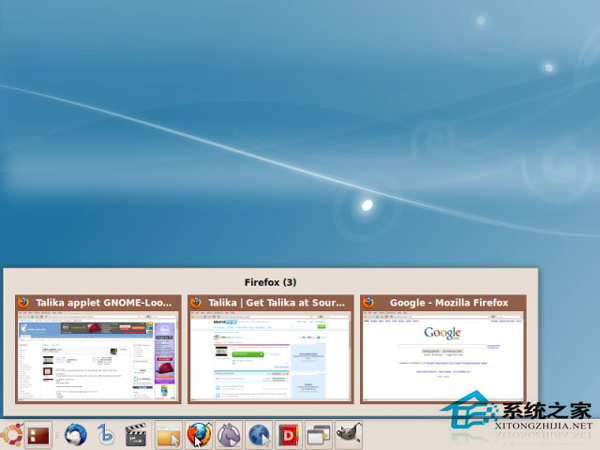
方法一:恢復預設面板(刪除所有自訂)

刪除以下隱藏目錄/檔案後重新登入:

rm -rf ~/.gnome2 ~/.gconf ~/.gconfd

方法二:僅移除特定圖示(保留其他設定)

進入啟動器目錄刪除對應 .desktop 檔案:

rm ~/.config/gnome-panel/launchers/欲移除的啟動器.desktop

完成後重新登入或重啟 gnome-panel 即可生效。

原理:~/.config/gnome-panel/launchers/ 存放面板圖示的啟動器定義檔,每個檔案對應一個圖示,直接管理檔案即達到客製化目的。

Copyright © Windows教程網 All Rights Reserved