Windows XP Windows 7 Windows 2003 Windows Vista Windows 綜合教學 Linux 系統教學
Windows 10 Windows 8 Windows 2008 Windows NT Windows Server 電腦軟體教學
您现在的位置: Windows教程網 >> Windows教程 >  >> Linux 系統教學 >> 關於 Linux

Ubuntu 編譯 PARSEC 2.1 出現 pod2man 錯誤的解決方案

編輯:關於 Linux

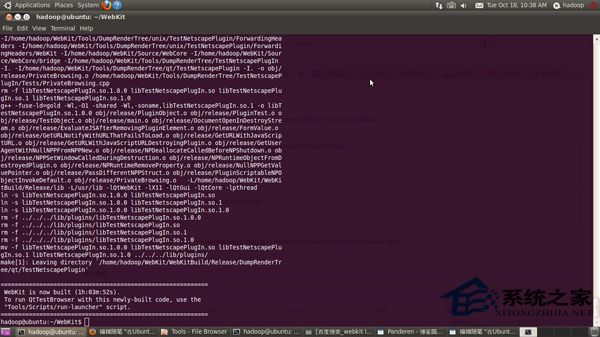
在 Ubuntu 上編譯 PARSEC 2.1 基準測試套件時,可能遇到 pod2man 語法錯誤導致編譯失敗,錯誤訊息顯示 Expected text after =item, not a number。這是因為 OpenSSL 1.0.1e 與 Perl 5.18 不相容所致。
錯誤原因

OpenSSL 1.0.1e 文件格式與 Perl 5.18 的 pod2man 解析器不相容,導致文件產生階段失敗。

解決方法

方法一:降級 Perl 至 5.16(經驗證可行)

安裝 Perl 5.16 並設為預設版本,可解決相容性問題。

方法二:移除 pod2man(快速臨時方案)

sudo rm /usr/bin/pod2man

移除後重新編譯即可繞過文件產生步驟。注意此法可能影響其他需 pod2man 的套件建置。

以上方案針對特定錯誤訊息,其他編譯錯誤需視具體情況排查。

Copyright © Windows教程網 All Rights Reserved