Linux 瀏覽器開啟微信公眾平台網頁版,語音訊息無法播放。
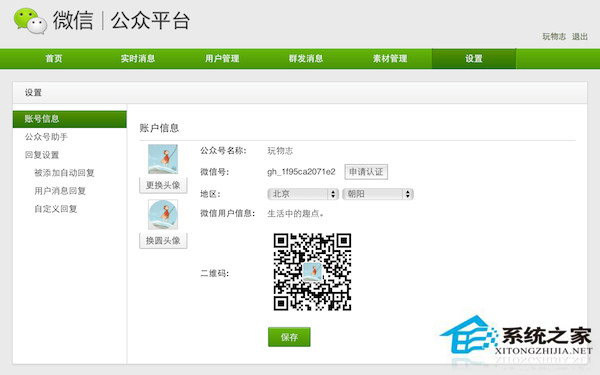
微信網頁端檢測 User-Agent,若為 Linux 瀏覽器則拒絕提供音訊串流。
偽裝瀏覽器身分為 Windows 環境,即可繞過平台限制,在 Linux 也能聽語音。
Linux FTP 命令完全指南:交互式操作、腳本自動化、安全強化與現代替代方案
Linux 屏蔽 Storm UI Kill Topology 功能:Nginx 反向代理攔截方案
Ubuntu 12.04 搭建 Ruby on Rails 開發環境完整教學(RVM + Ruby 2.0 + Rails 3.2 + MySQL)
Linux cp 指令完全指南:檔案與目錄複製的參數詳解與實戰技巧
Ubuntu 系統使用 source 命令讓配置文件立即生效
Linux 終端 FTP 實戰指令大全:連線、列表、上傳、下載、切換目錄