刪除 GNOME Panel 相關設定後,上下工具列、狀態列全消失,桌面空蕩蕩。
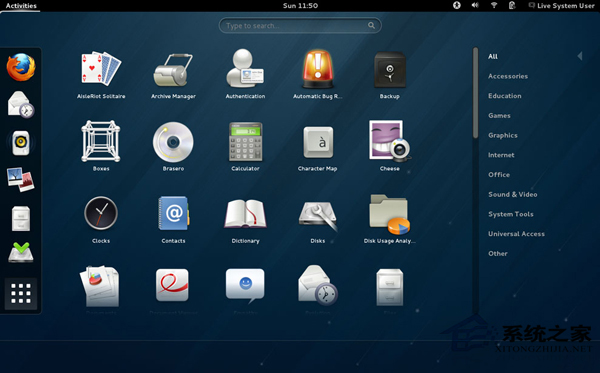
gnome-terminal 或 Ctrl+Alt+Tgconftool --recursive-unset /apps/panelrm -rf ~/.gconf/apps/panelpkill gnome-panel清除使用者層級的 Panel 設定快取,強制 GNOME 以預設佈局重建面板,類似 Windows 重啟 explorer.exe。
五條指令、一分鐘內即可找回熟悉的 GNOME 介面,免去重裝系統之苦。
Linux 入門必學指令精選:六大分類 30+ 核心指令與實戰分類速查表
Apache HTTP Server 與 Tomcat 應用伺服器:定位差異、整合優勢與獨立運作模式
Linux 系統下 Git 安裝、配置與 GitHub 協作實戰全攻略
Linux 文件權限保護實戰:chmod 600 與 chattr +i 不可變屬性雙重防線
Linux find + crontab 實現日誌定期遷移:按時間/大小篩選自動歸檔
CentOS 啟動 Eclipse 報錯 Failed to load the JNI shared library 解決辦法