Linux root 密碼遺忘雖不常見,但長時間未登入系統時容易發生。root 為最高權限帳號,密碼遺忘將造成諸多不便。本文介紹兩種恢復 root 密碼的實用方法。

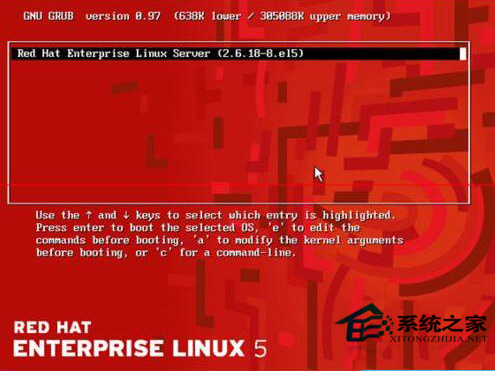
kernel 關鍵字的那一行,再按 e。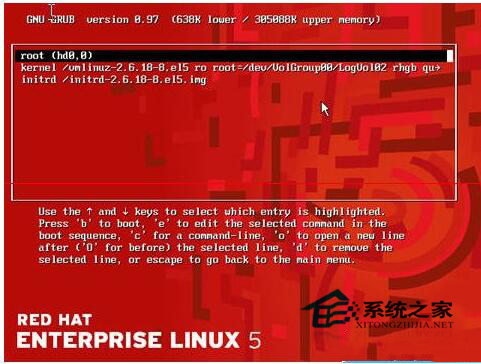
quiet 後加空格輸入 single,進入單用戶模式。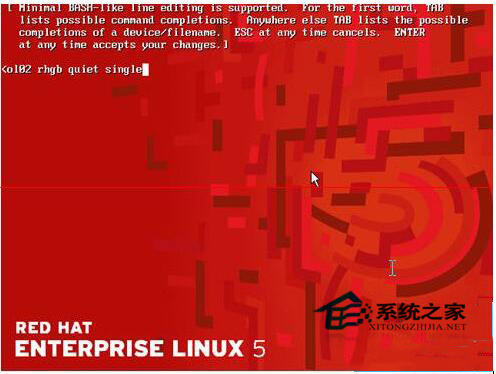
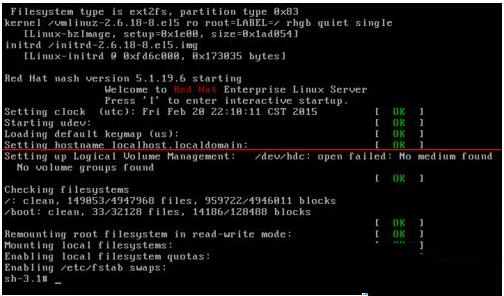
passwd 修改 root 密碼,提示 update successfully 即成功。
reboot 重啟,使用新密碼登入。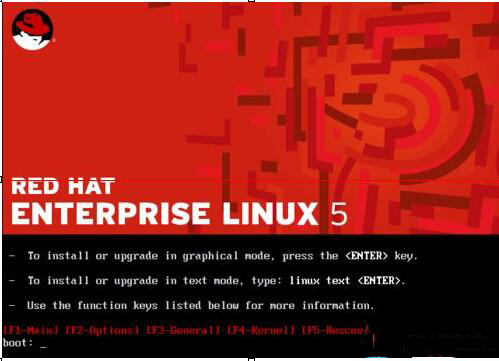
linux rescue 進入救援模式。
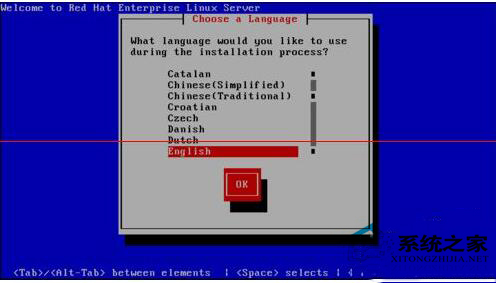
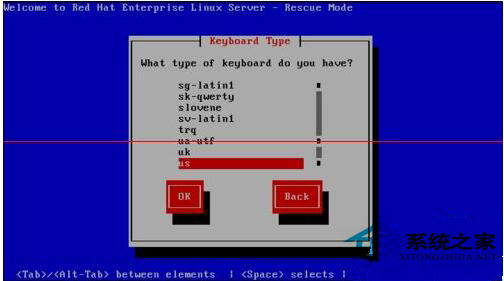
No(用 Tab 切換)。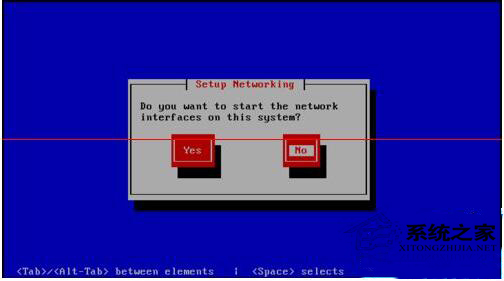
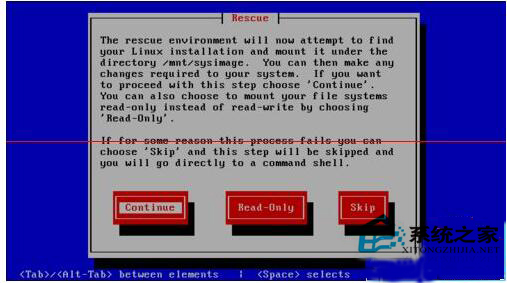
OK。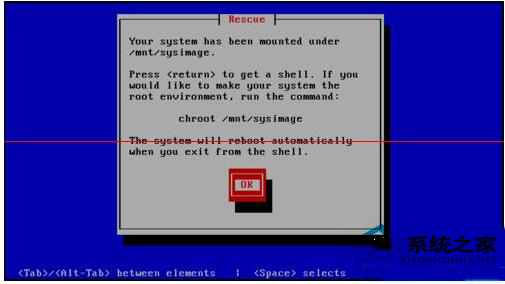
chroot /mnt/sysimage、passwd 修改密碼、exit 離開 chroot、reboot 重啟(重啟前取出光碟)。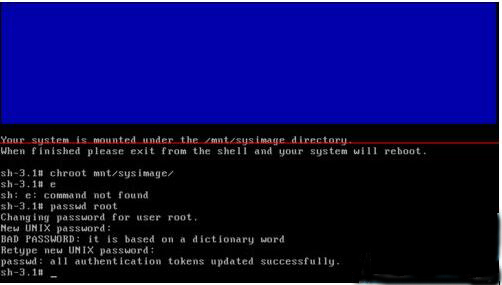
注意:此教學以 Red Hat 5.0 為例,但步驟適用於大多數 Linux 發行版,僅細節略有差異。
FreeBSD 8.2 使用 Ports 安裝與配置 SaltStack 完整教學
CentOS 6.5 安裝無線網卡驅動 (Realtek RTL8188CE) 完整編譯教學
Linux Nginx 日志分析實戰:從配置到命令行挖掘異常流量
重裝 Windows 後無法進入紅旗 Linux 6.0?修復雙引導的完整指南
Linux 內核全局變量 jiffies 深度解析:時間計算、64位擴展、回繞處理與內核定時器應用
Linux 重啟 Oracle 資料庫三大實戰方法:SQL*Plus、dbstart 與 lsnrctl 完整流程
Linux 自定義字體安裝完全指南:字體配置、緩存重建、權限管理與桌面環境適配
Linux 安全刪除檔案完全指南:Secure-Delete 套件 (srm, sfill, sswap, smem) 實戰教學